Library / How it was made
Take it apart.
Then build your own.
Every piece on this site started with a question — how does a scroll move the sun, or a page dim a room? This is where the answers go: each mechanism taken apart, the starters and tools you can use, and the prompts behind them.
On the shelf
 Teardown
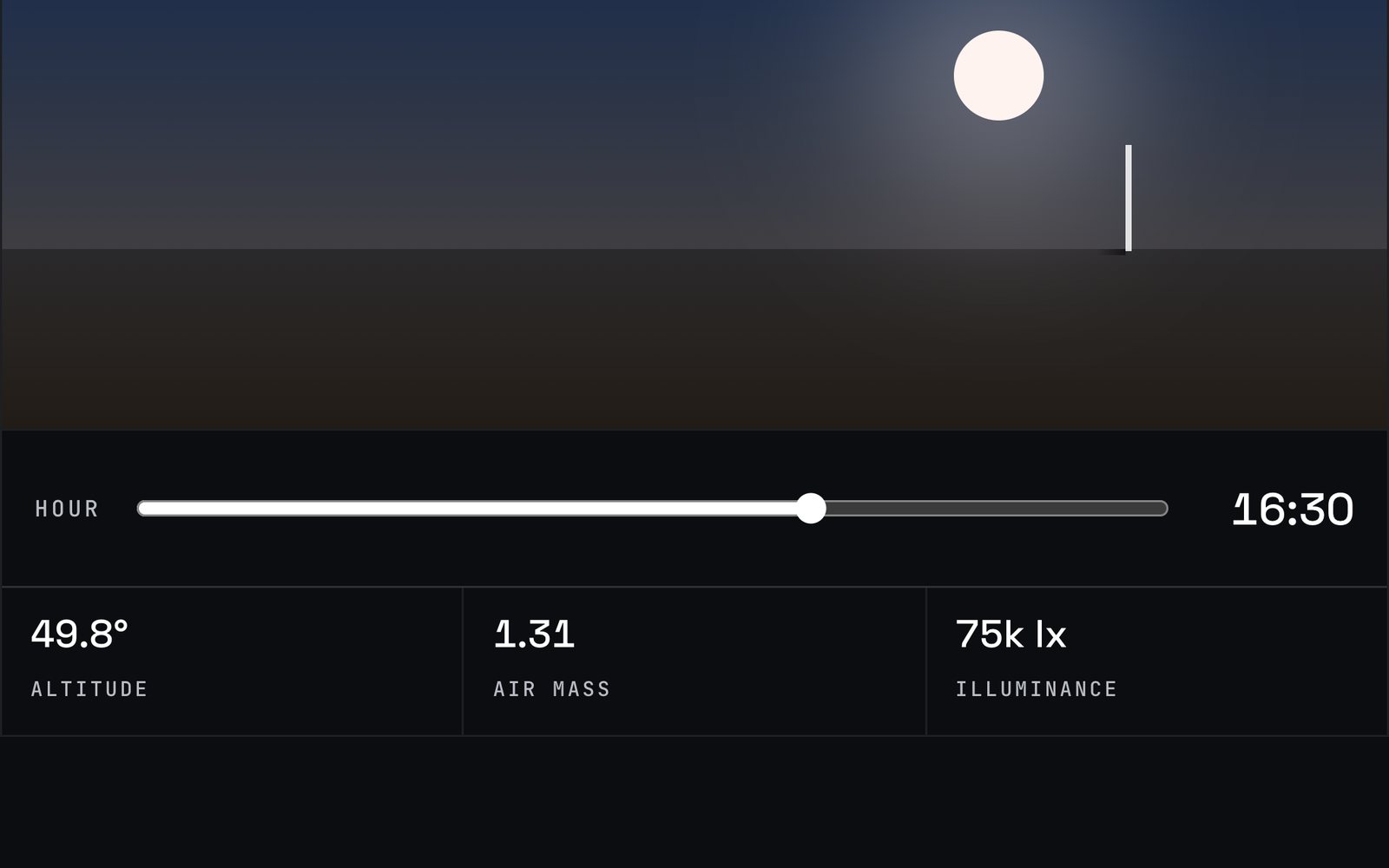
Scroll moves the sun
A scroll position becomes a time of day, and every figure on the page is recomputed from where the sun stands.
 Teardown
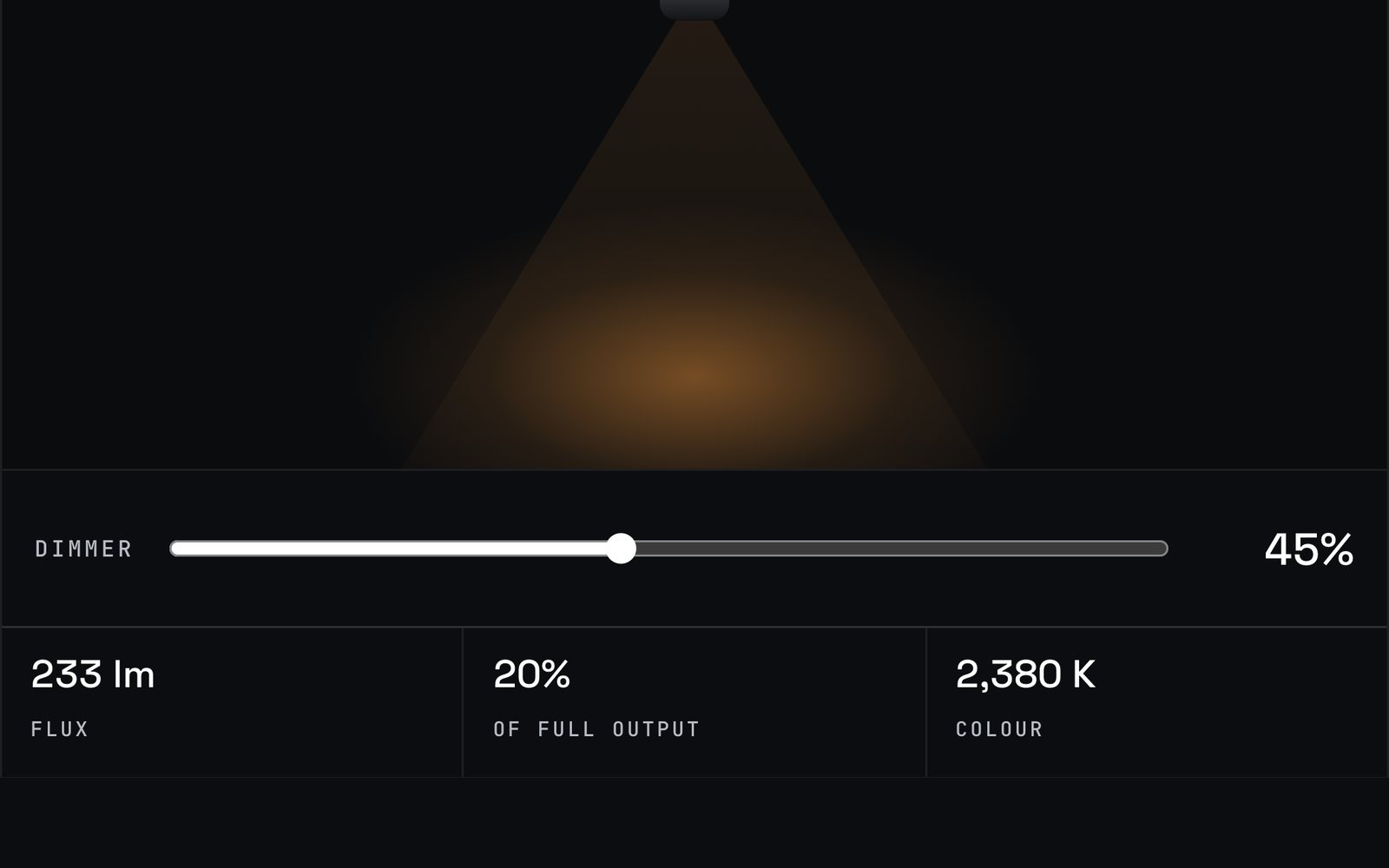
The scroll is the dimmer
One control drives the whole room: beam, lux, colour and what each wall returns, all from one specification.
 Teardown
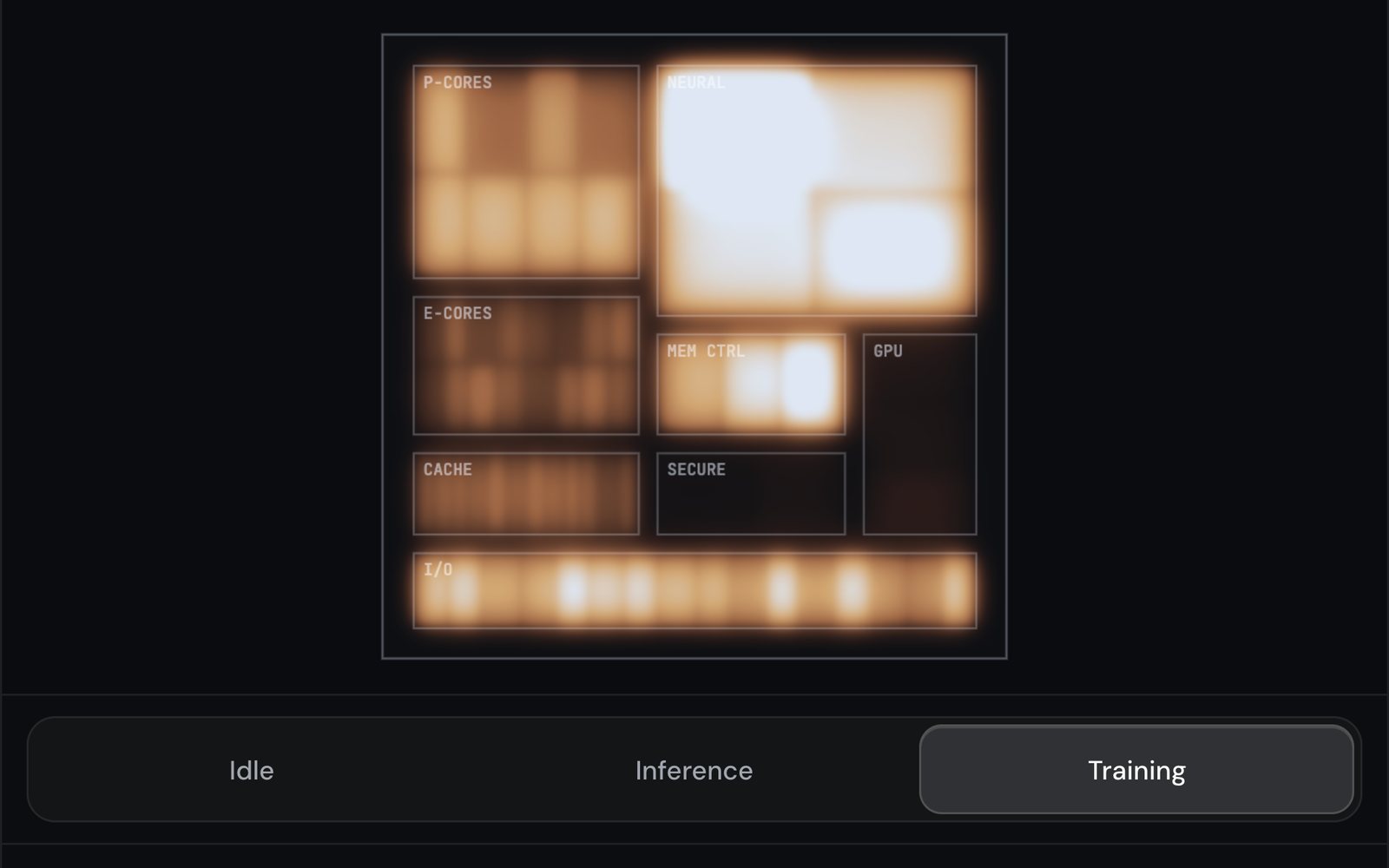
Where the heat goes
A live heat simulation on a chip floorplan: eight blocks, one diffusion equation, and a workload that decides where the heat lands.
 Teardown
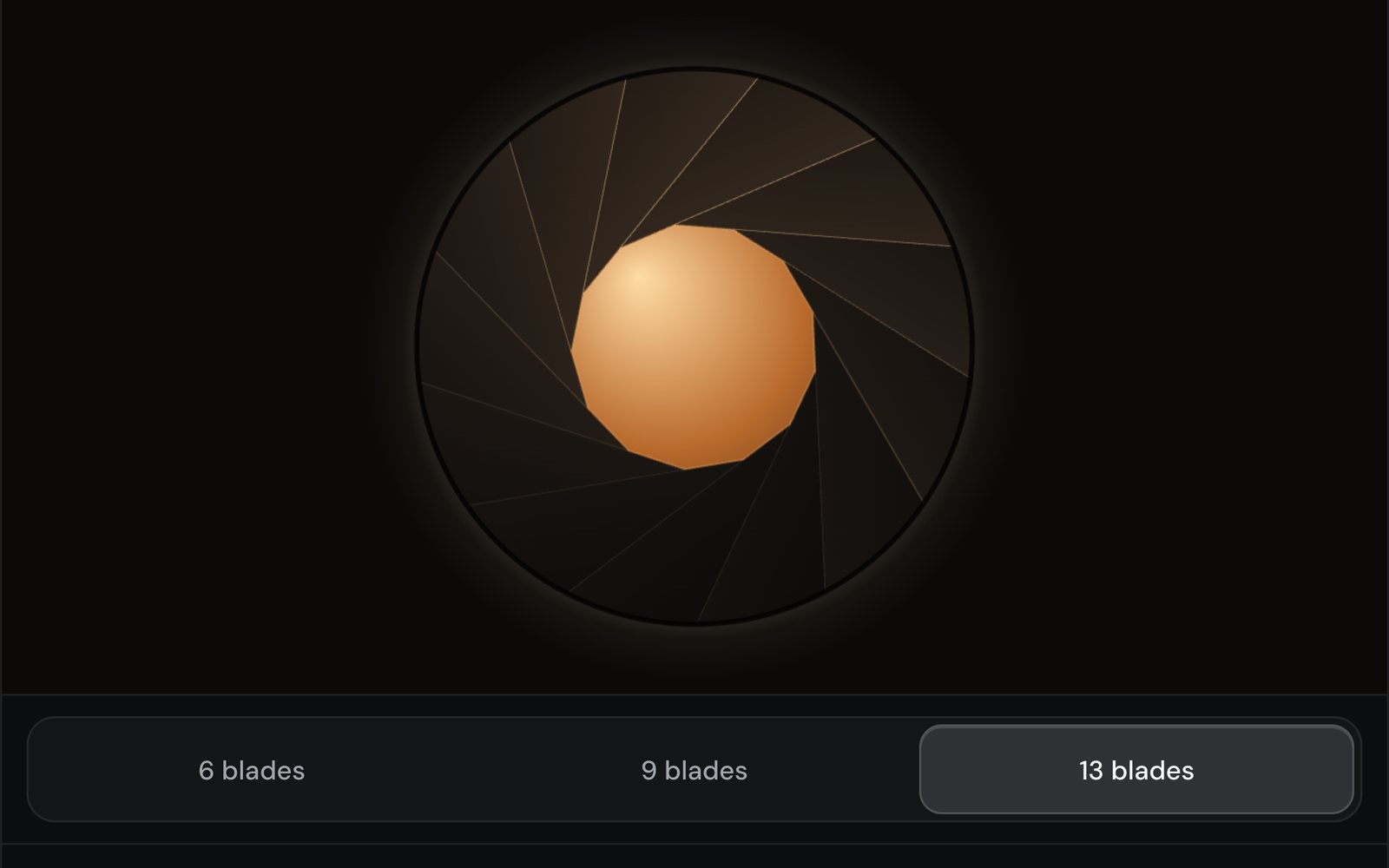
Thirteen blades, in code
The film model drew nine blades, so the iris is drawn over a still: a polygon whose area follows the f-number, cut into thirteen blades.
 Teardown
Scroll is depth
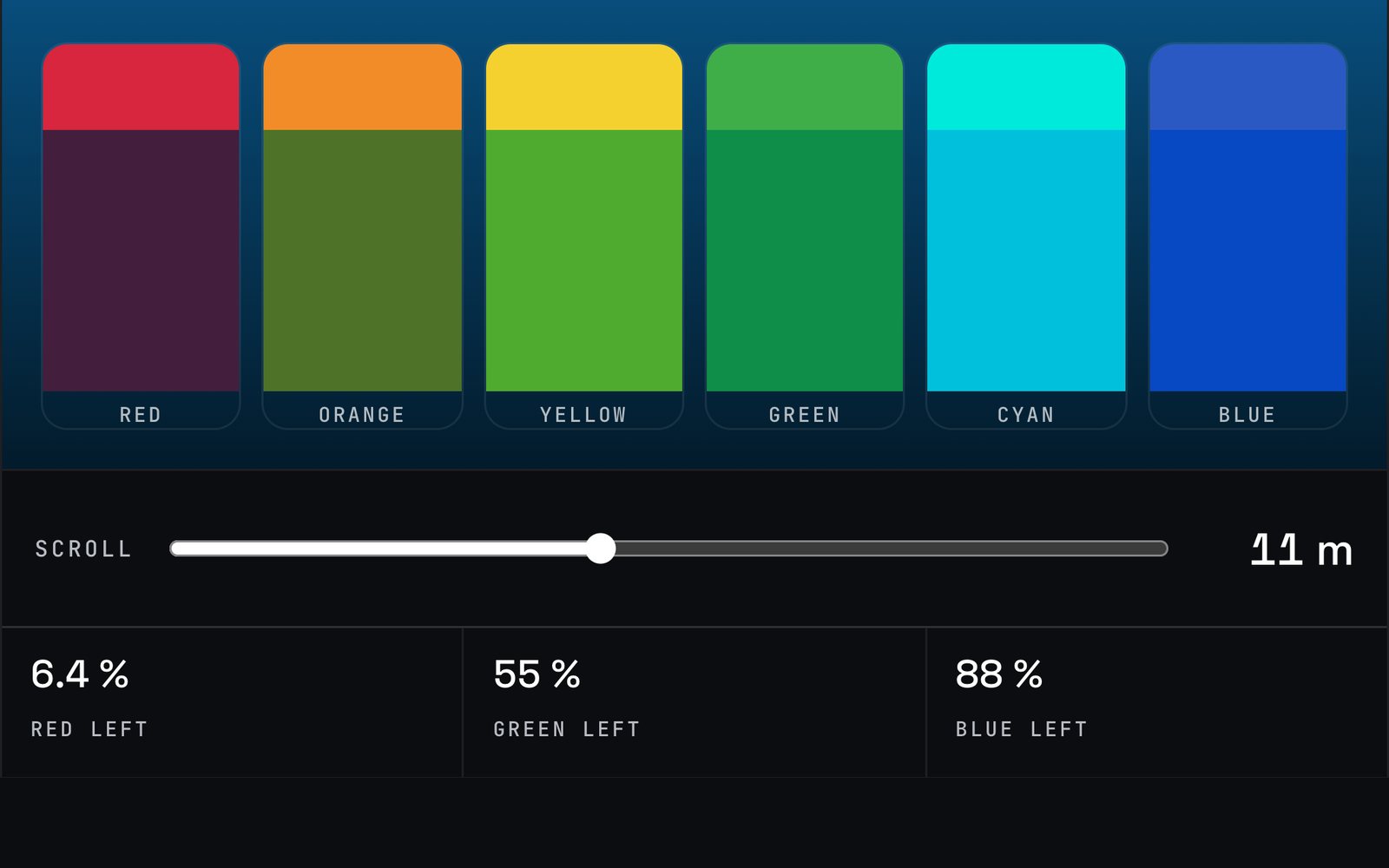
Scroll becomes depth on a log scale, and seawater decides which colours are left: red gone by 9 m, green by 42, blue by 194.
 Teardown
Build liquid tabs, step by step
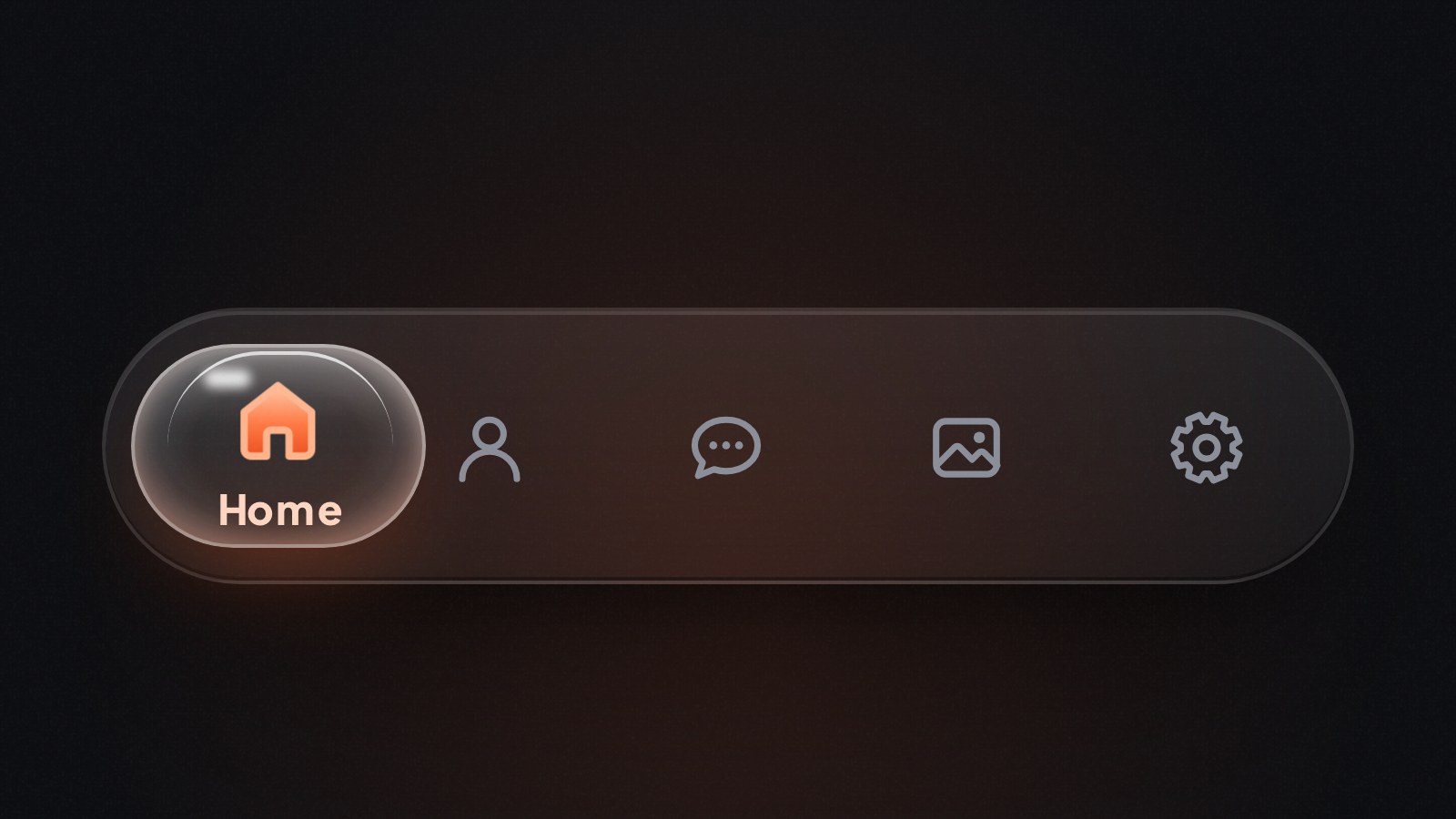
A tutorial in six live stages: a real tab bar, a lens that follows the finger, a spring from scratch, stretch, glass, and icons that come alive.
 Teardown
Build drop tabs, step by step
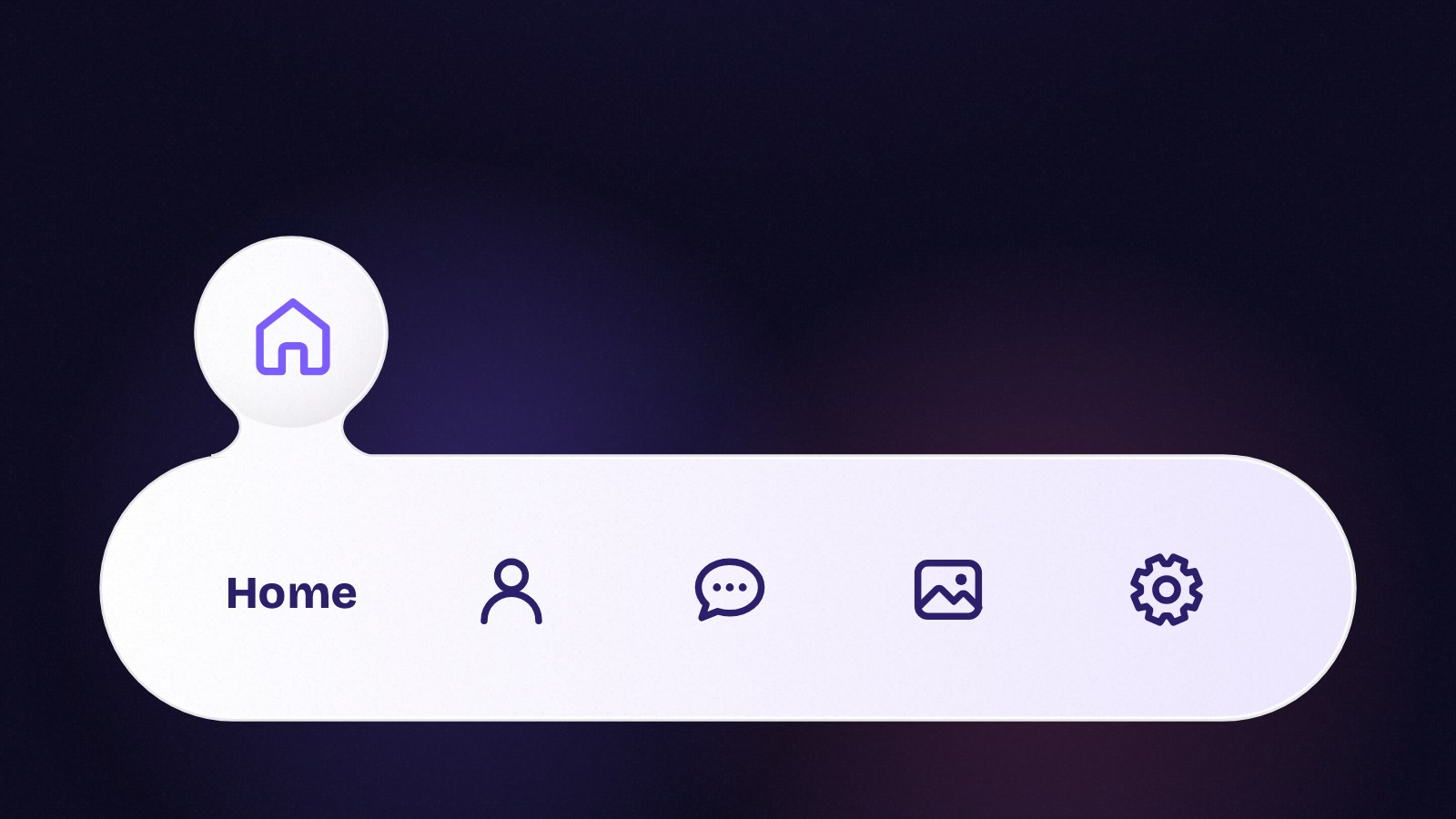
Six live stages: one SVG path for the bar and the drop, the finger, springs that sink it into a wave, the splash, and the finish.
 Teardown
Build a liquid glass music player, step by step
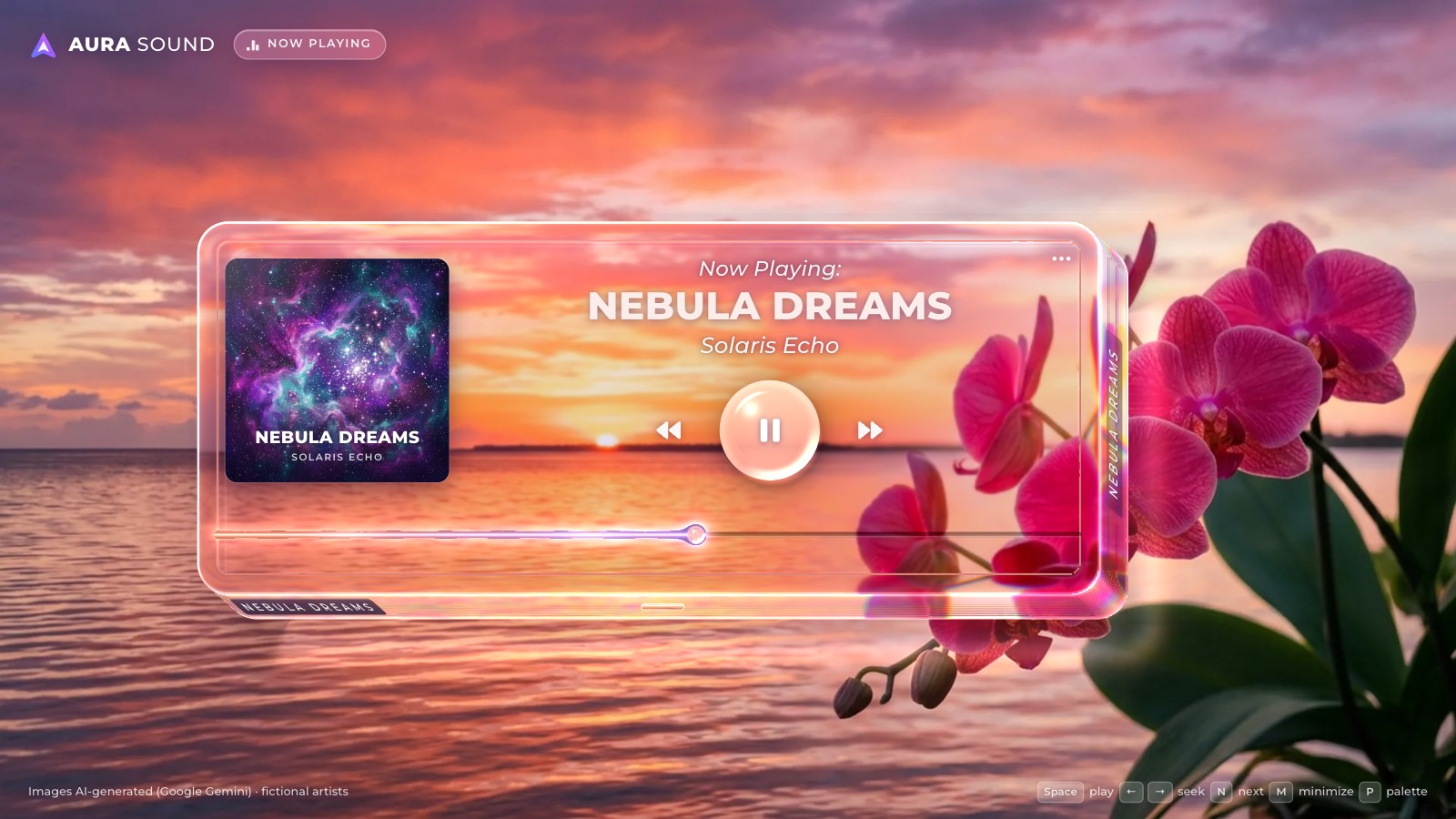
Six live stages: the page and the slab in HTML and CSS frost, one WebGL2 pass that refracts and magnifies the wallpaper, the simulated clock with play and the liquid-thread slider, track changes that cross-fade the wallpaper and the glass, hover and the minimized card, and the ••• menu with the palette view.
 Teardown
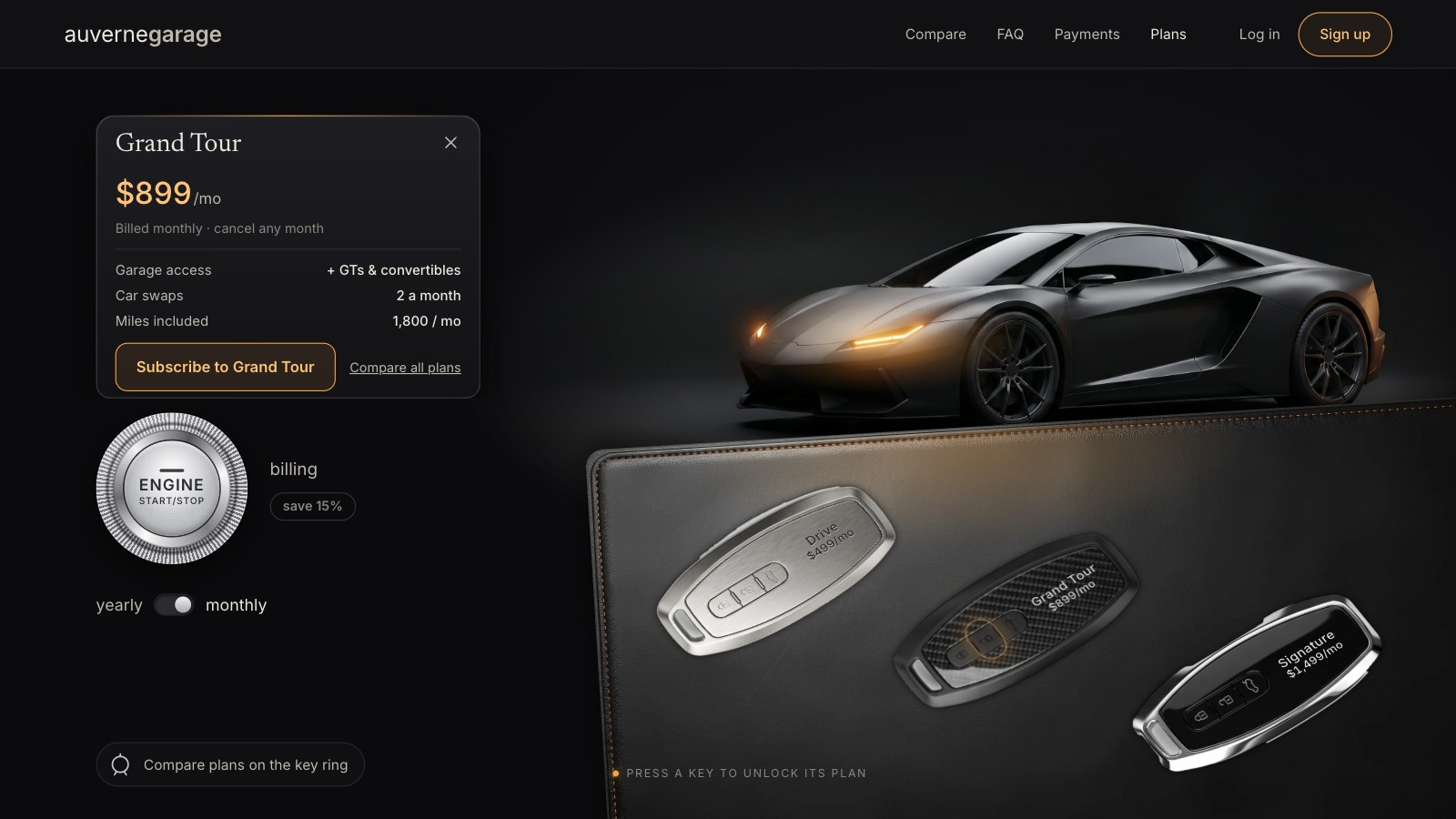
Build a key-fob pricing section, step by step
Six live stages: the showroom in HTML and CSS on one cqw coordinate system, the keys as a real radio group, the double headlight blink, ENGINE START and yearly prices that roll, the plan card that rises beside its key, and the phone header and sheet.
 Teardown
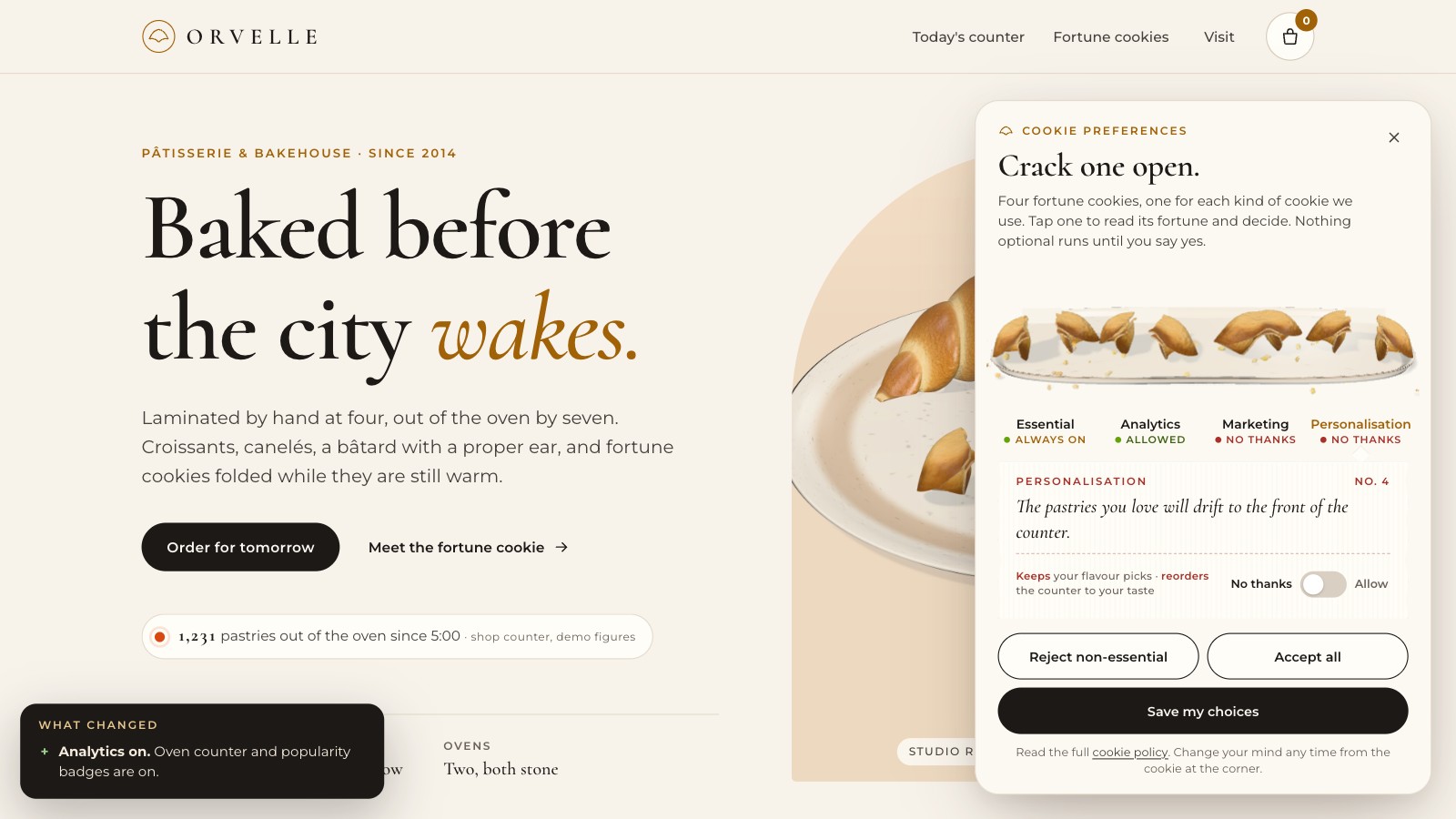
Build a fortune-cookie cookie banner, step by step
Seven live stages: the bakery page, a consent store and a first panel, the fortune paper with a real switch, the real-time three.js plate with springs and crumbs, the first gated script and the "On this device" inspector, two more features that change the page, and the corner cookie.
 Teardown
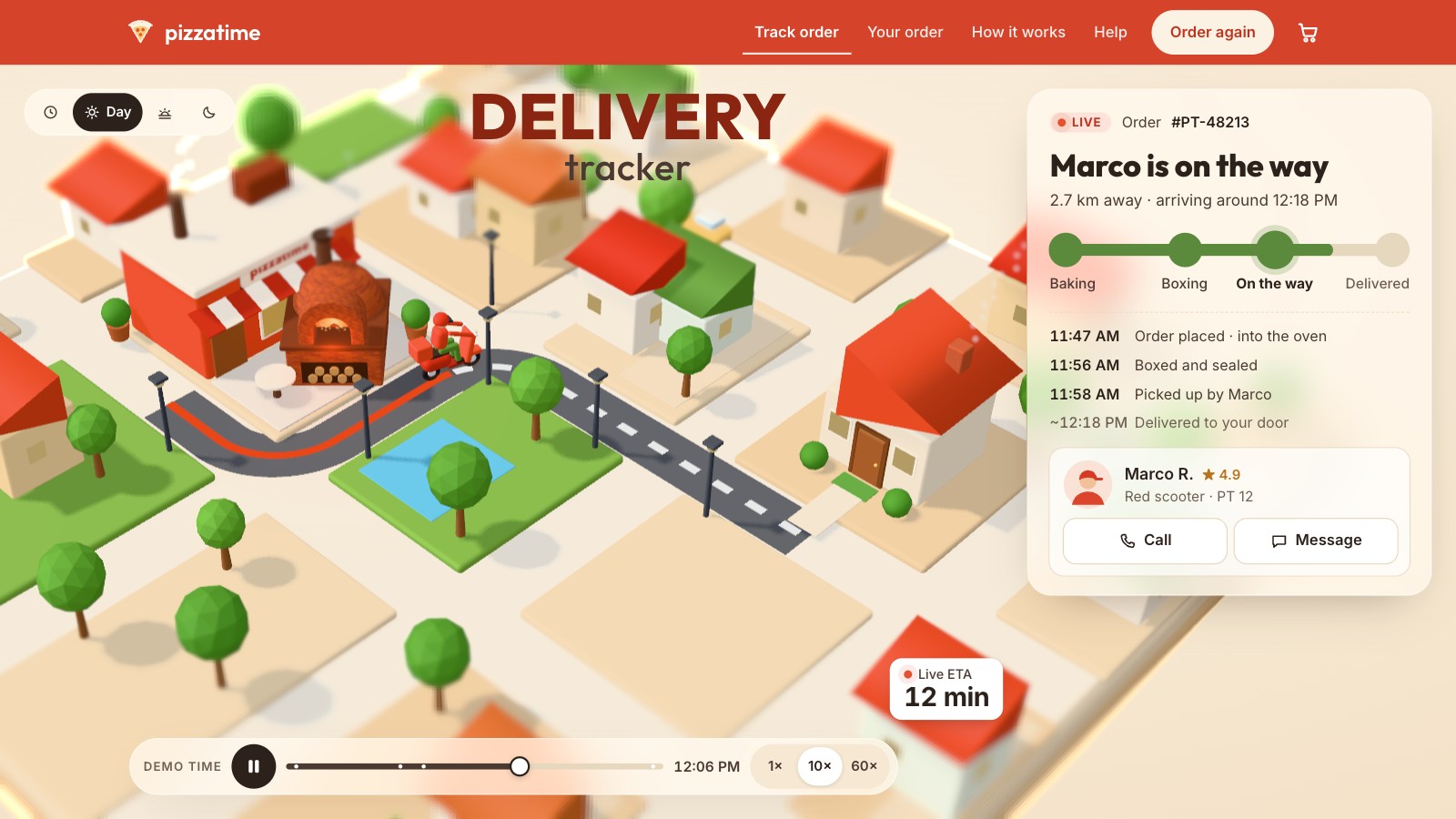
Build a 3D delivery tracker, step by step
Eight live stages: the glass order panel, one number t that drives the status and the ETA, the three.js town, the kitchen with the pizza flying into its box, the scooter ride and the arrival, time of day, the dialogs, and the fallbacks and frame budget.
 Teardown
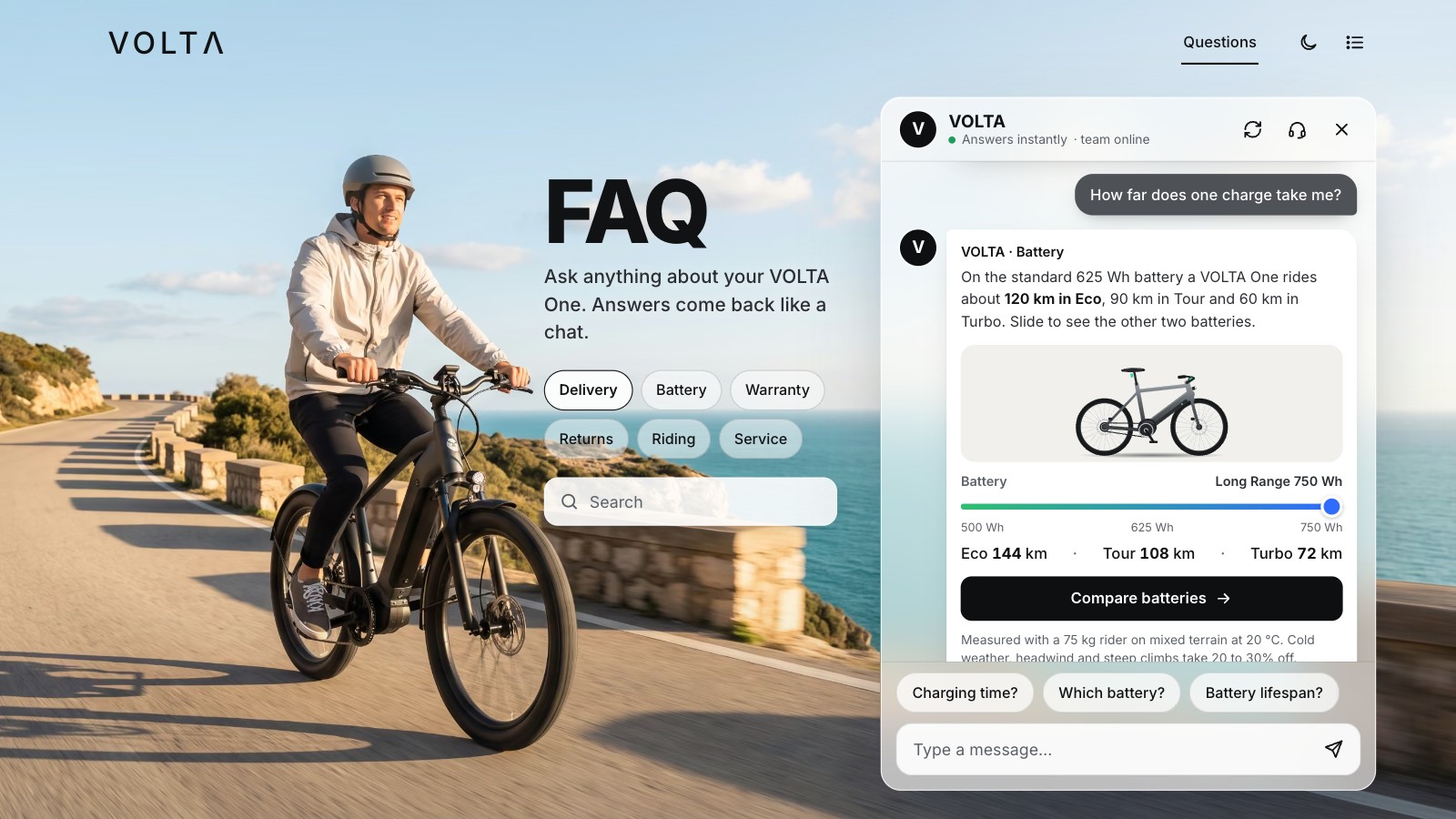
Build an FAQ that answers like a chat, step by step
Nine live stages: the FAQ as a page with no JavaScript, the chat cloned from its answers, typing dots and streamed words, a free-text matcher with typos, topic tabs and search, feedback and a hand-off to a person, memory, the list view and dark mode, the phone, and a Bold skin on the same engine.
 Teardown
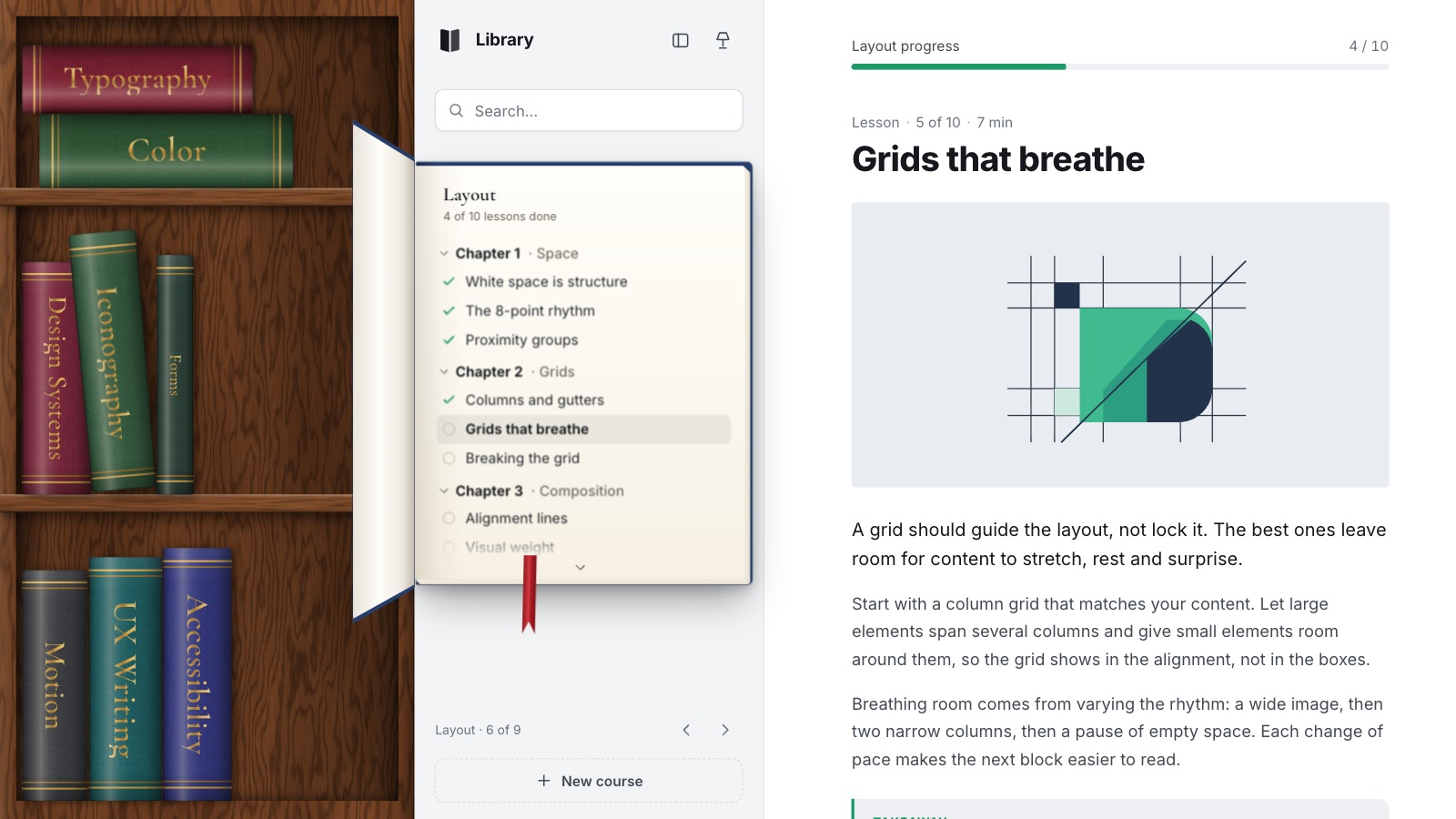
Build a bookshelf sidebar, step by step
Eight live stages: the bookcase placed by transforms, hover, keys and a book that flies out and opens in 3D, chapters, lessons and progress, search, reordering by drag and keys, a new course, the rail and the evening lamp, and a second shelf on the same engine.
 Teardown
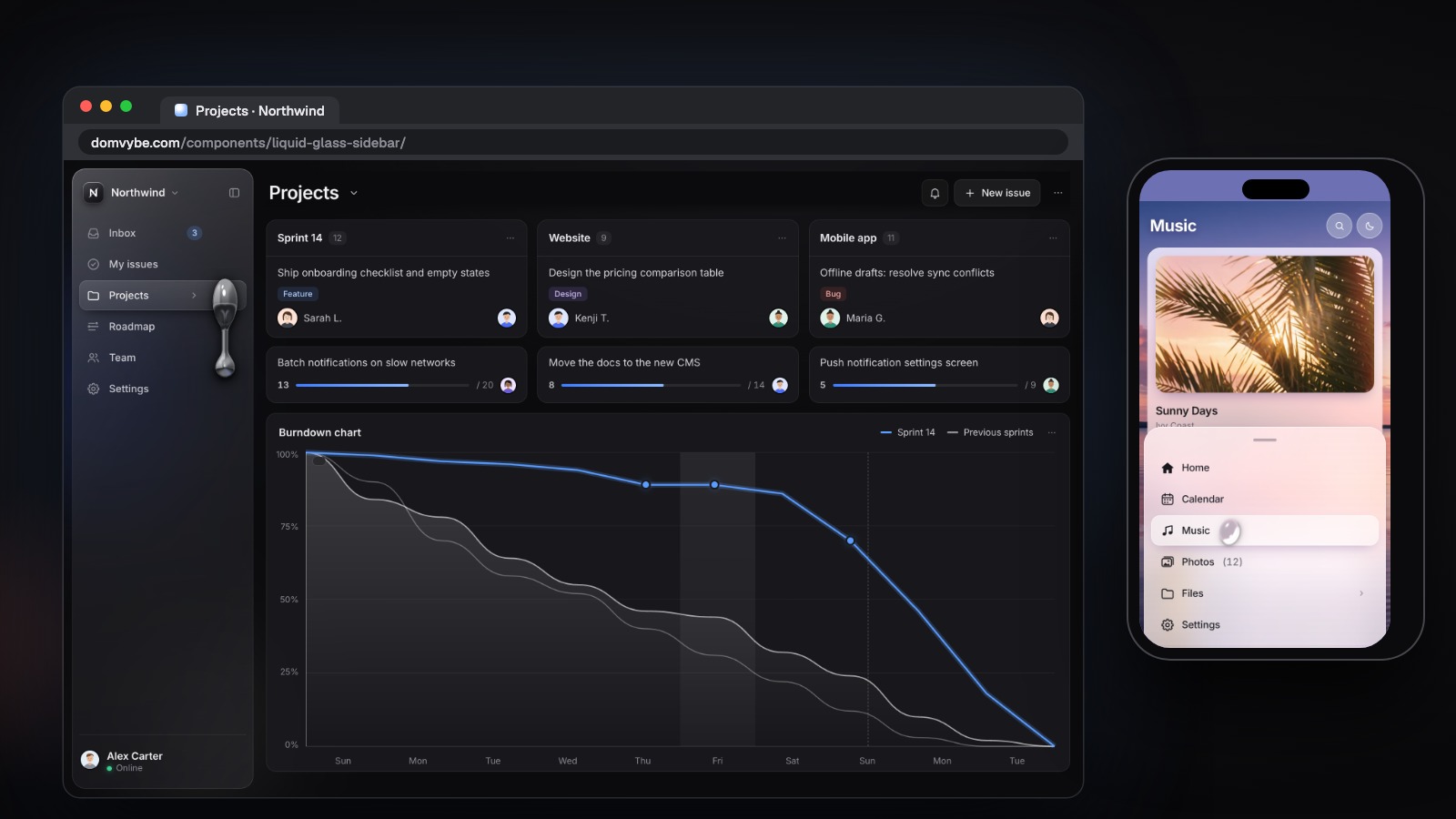
Build a liquid glass sidebar, step by step
Nine live stages: the glass sidebar built from data, a WebGL drop on springs, nested groups, the icon rail, the keyboard and a command palette, drag to reorder, the workspace menu and live notifications, the phone sheet, and a water drop over a photo.
 Teardown
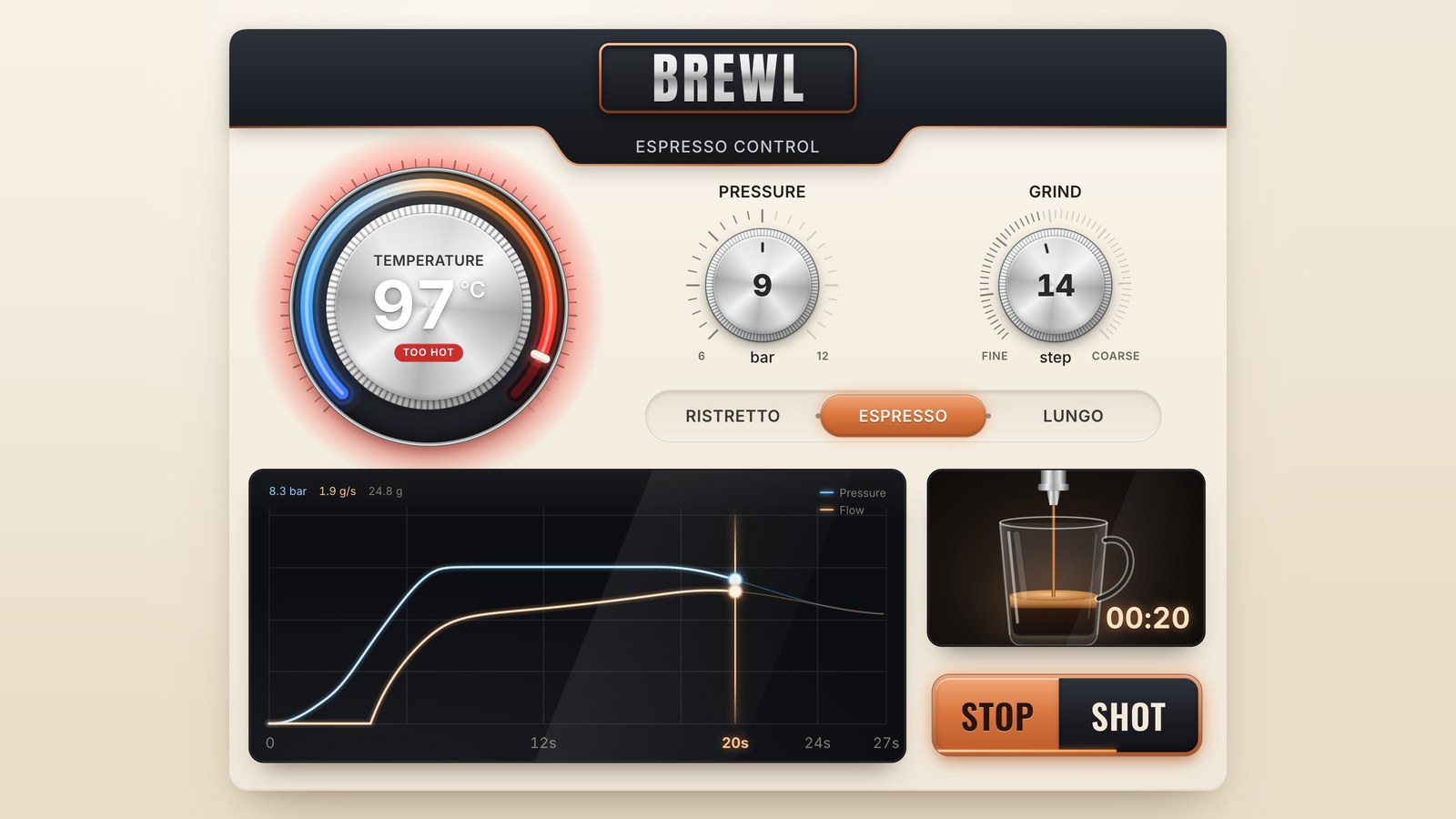
Build espresso machine controls, step by step
Nine live stages: the panel in CSS materials, a rotary dial that is a real slider, three dials and their scales, the heat arc and temperature states, a shot model with a verdict, the recipe switch, the live graph, the cup and the shot played out in time, and phones, reduced motion and live regions.
 Teardown
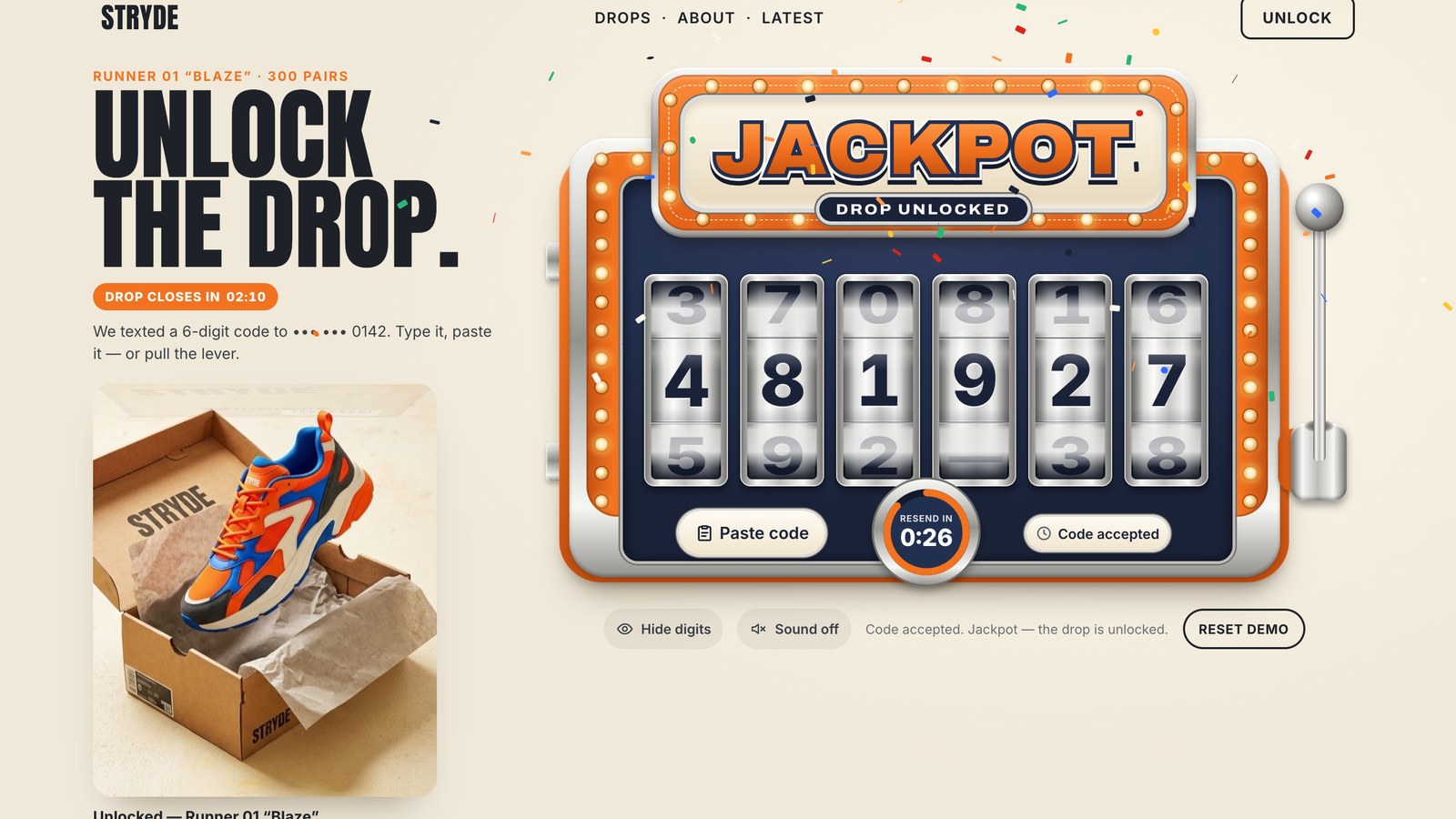
Build a slot machine code input, step by step
Eight live stages: one real one-time-code input, a CSS cabinet with six 3D reels, the spin as Web Animations, the caret and paste, the verifier's states, the lever, the confetti and the shoe box, and the fit for any screen.
 Teardown
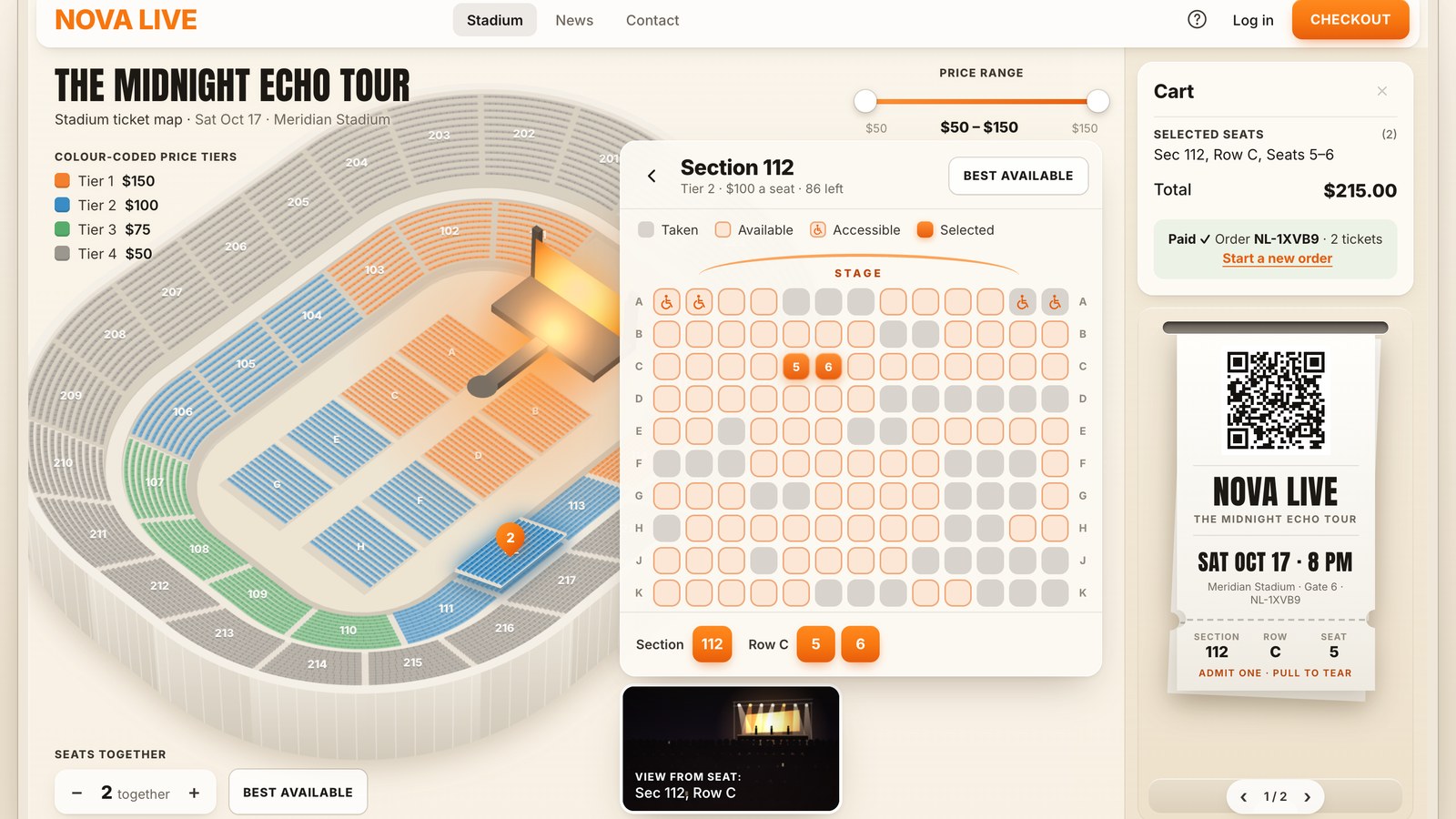
Build a stadium seat picker, step by step
Nine live stages: the stadium as data and the bowl painted in slices, numbers, hit areas and the lift, the view from your seat, the fly-in and the seat card, seats together and best available, the price range, the cart and its 10-minute hold, checkout with printed QR tickets, and the keyboard.
 Teardown
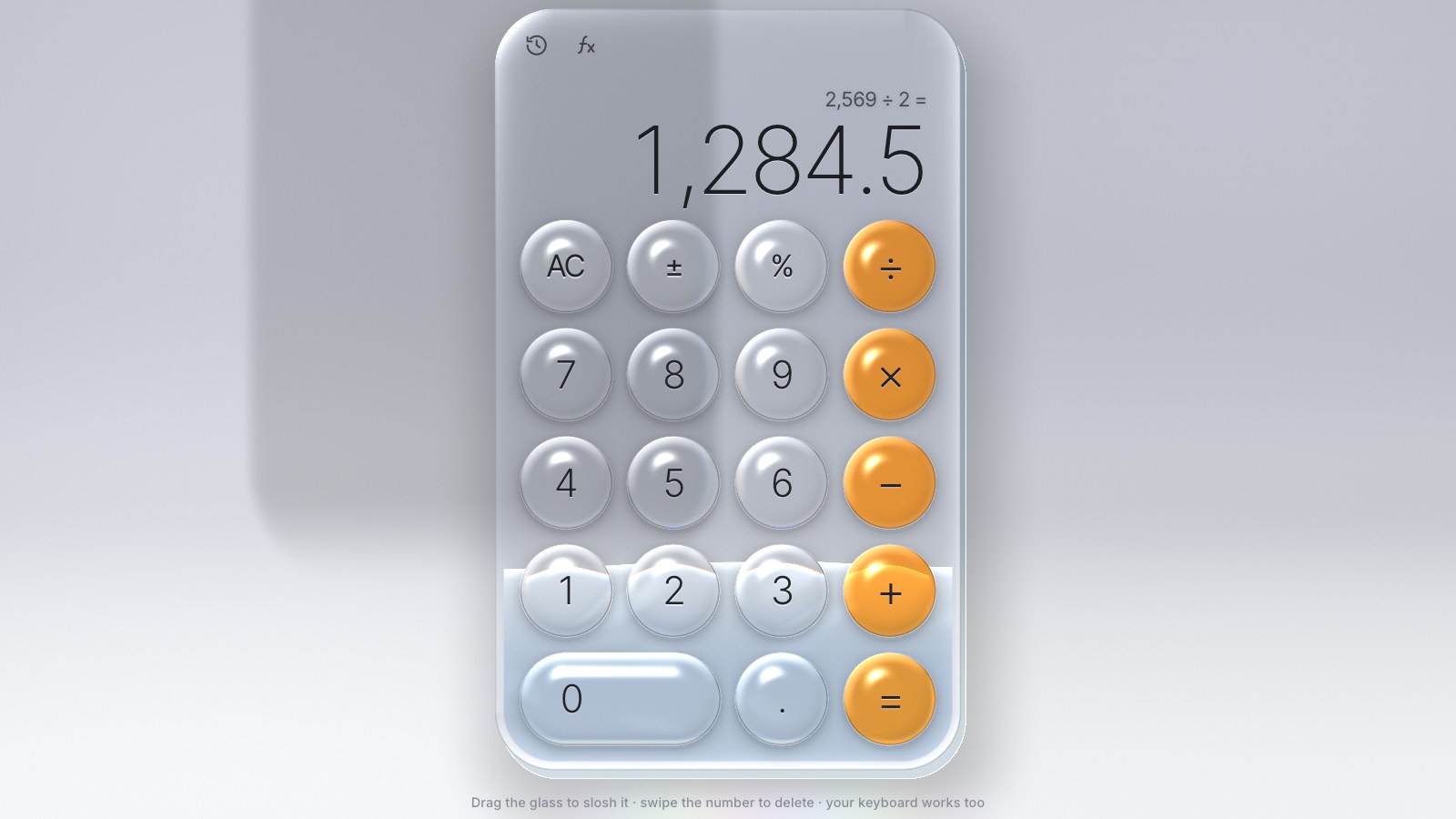
Build a liquid glass calculator, step by step
Nine live stages: one WebGL2 pass for the glass, a studio behind it, lens keys found from a grid, a sloshing liquid, a Pratt-parser engine, the display and history, the scientific morph and the performance work.
 Teardown
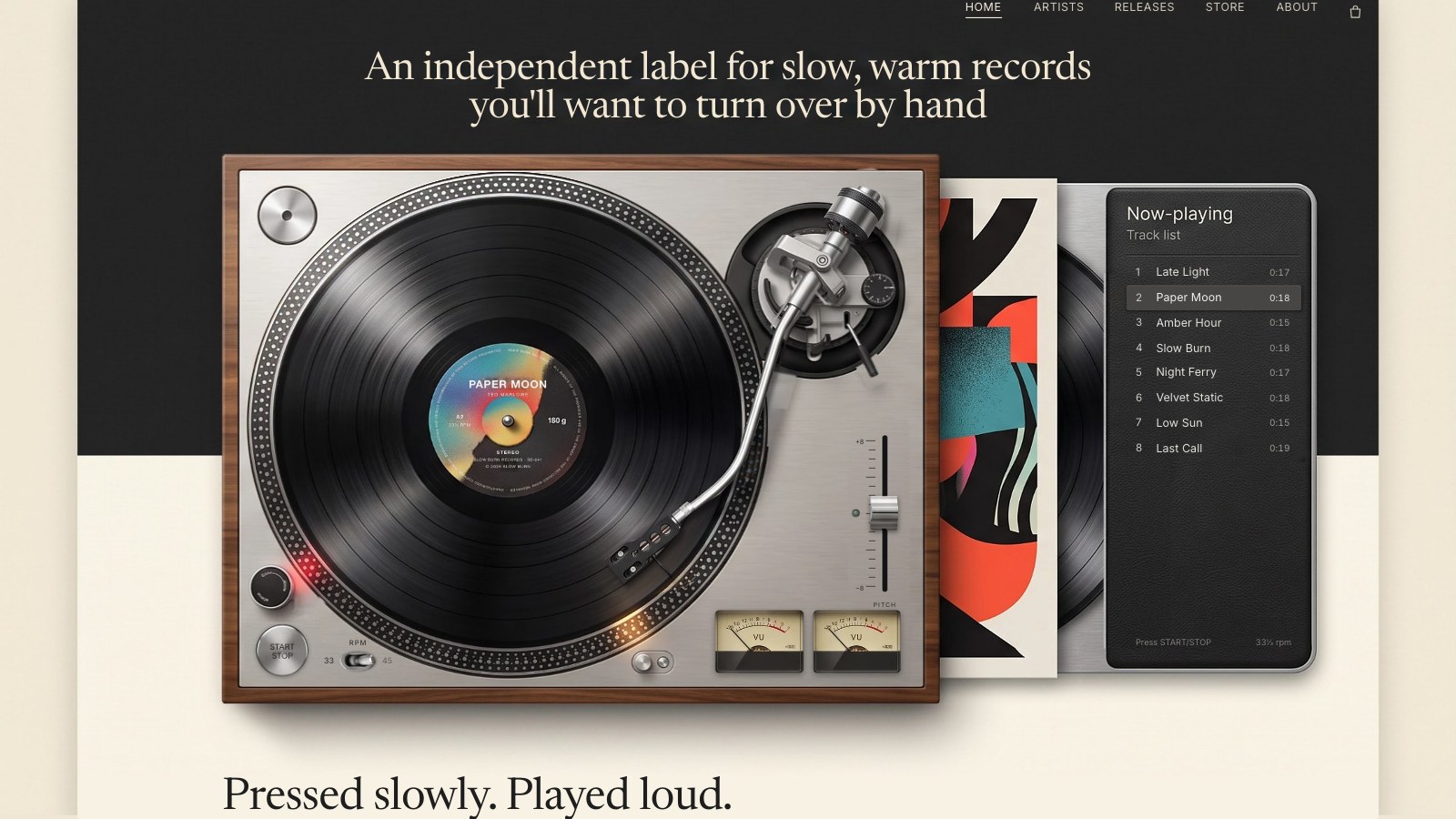
Build a vinyl deck, step by step
Ten live stages: a deck in layers from one picture, one motor model for the platter, an AudioWorklet needle, the cue lever, scratch and hand brake, pitch and 45, VU meters, the printed label and the label site.
 Teardown
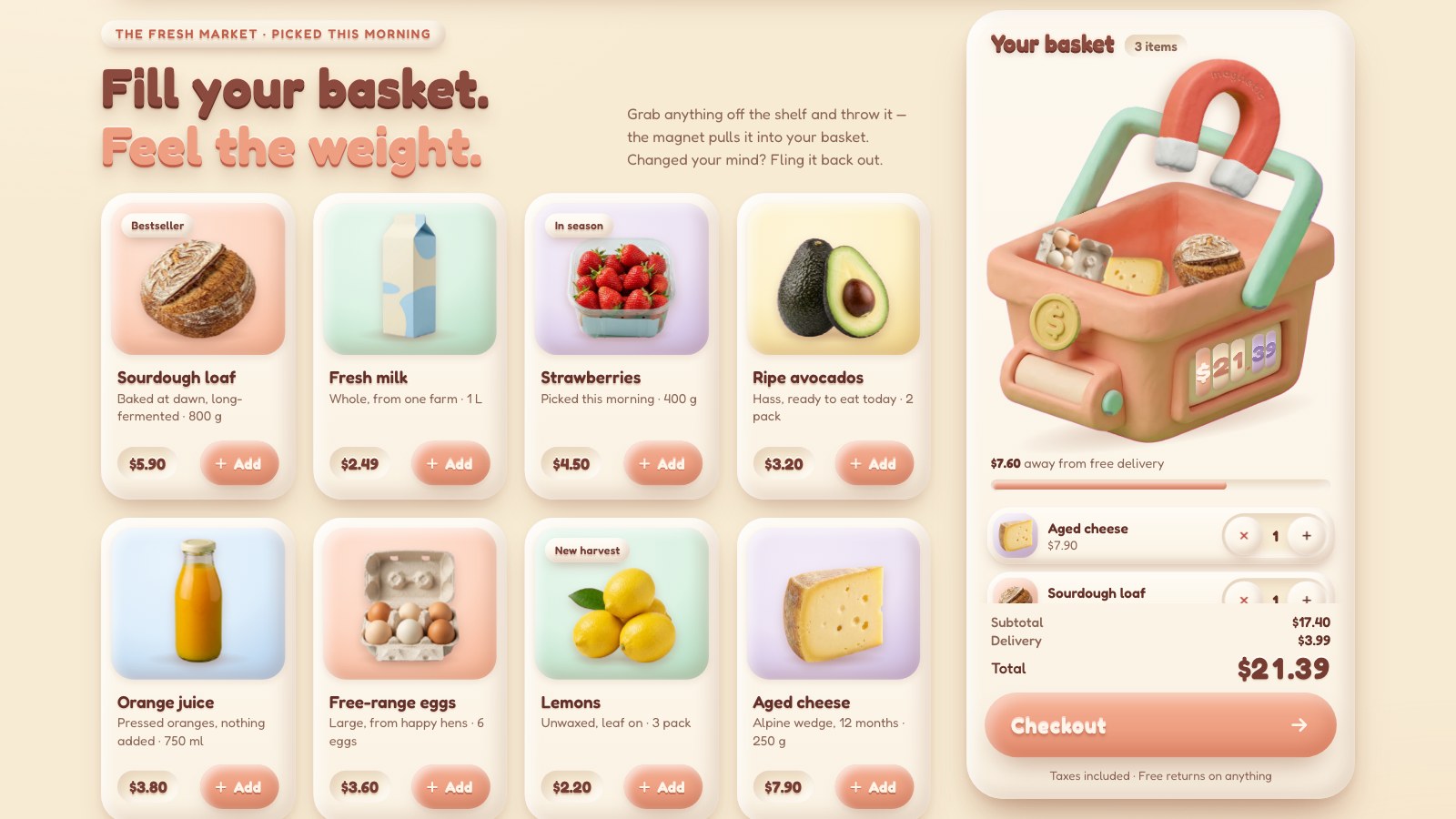
Build a magnetic checkout, step by step
Nine live stages: clay tokens and the shop, the cards, a basket in two layers, a physics world, grab and throw, the magnet, the rolling total and delivery rule, and the receipt.
 Teardown
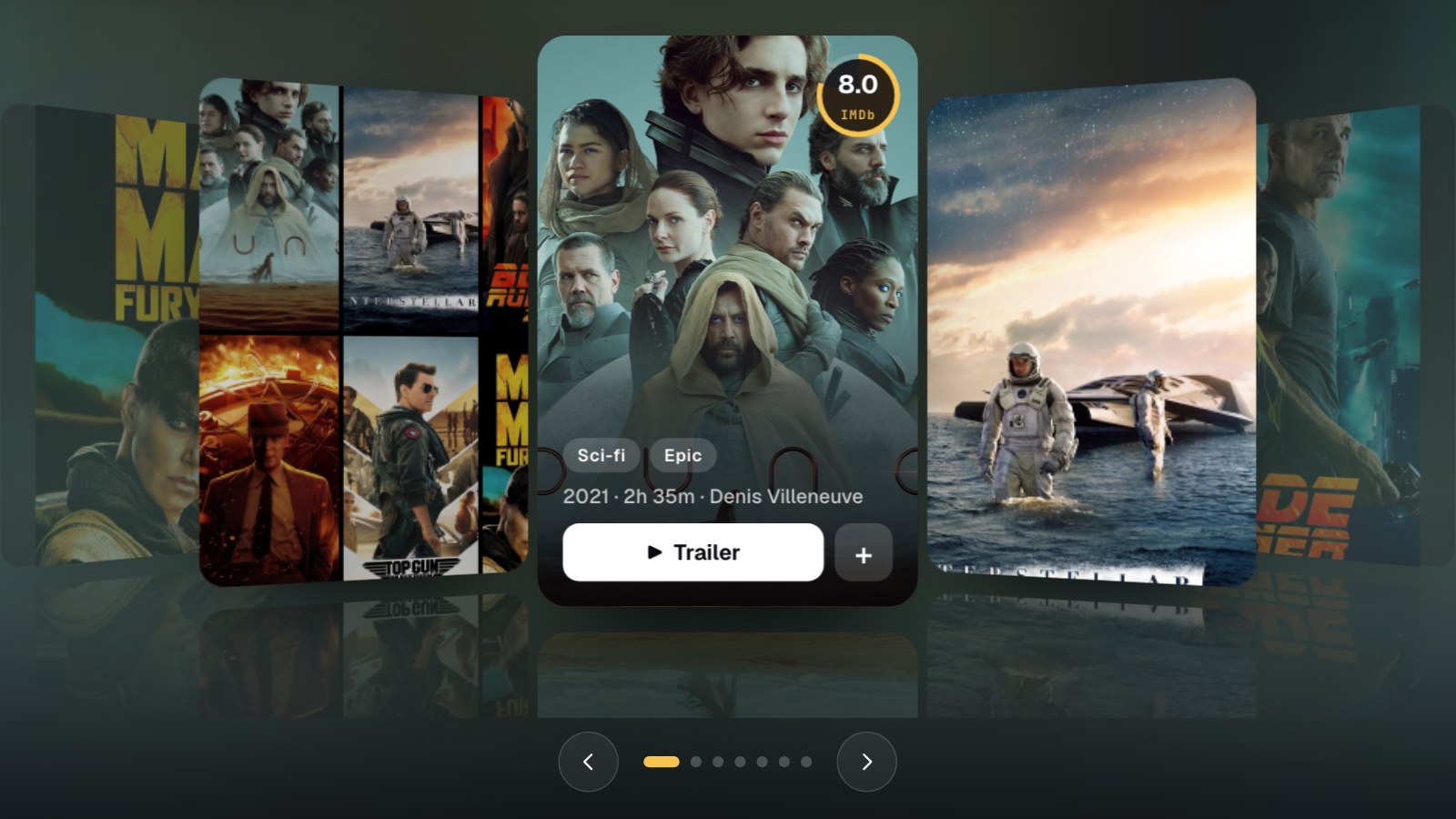
Build a cards carousel, step by step
Six live stages: a section and its looks, a card that is a window, one position on a spring that wraps, drag and throw, three mechanics, and the tilt and the detail.
 Teardown
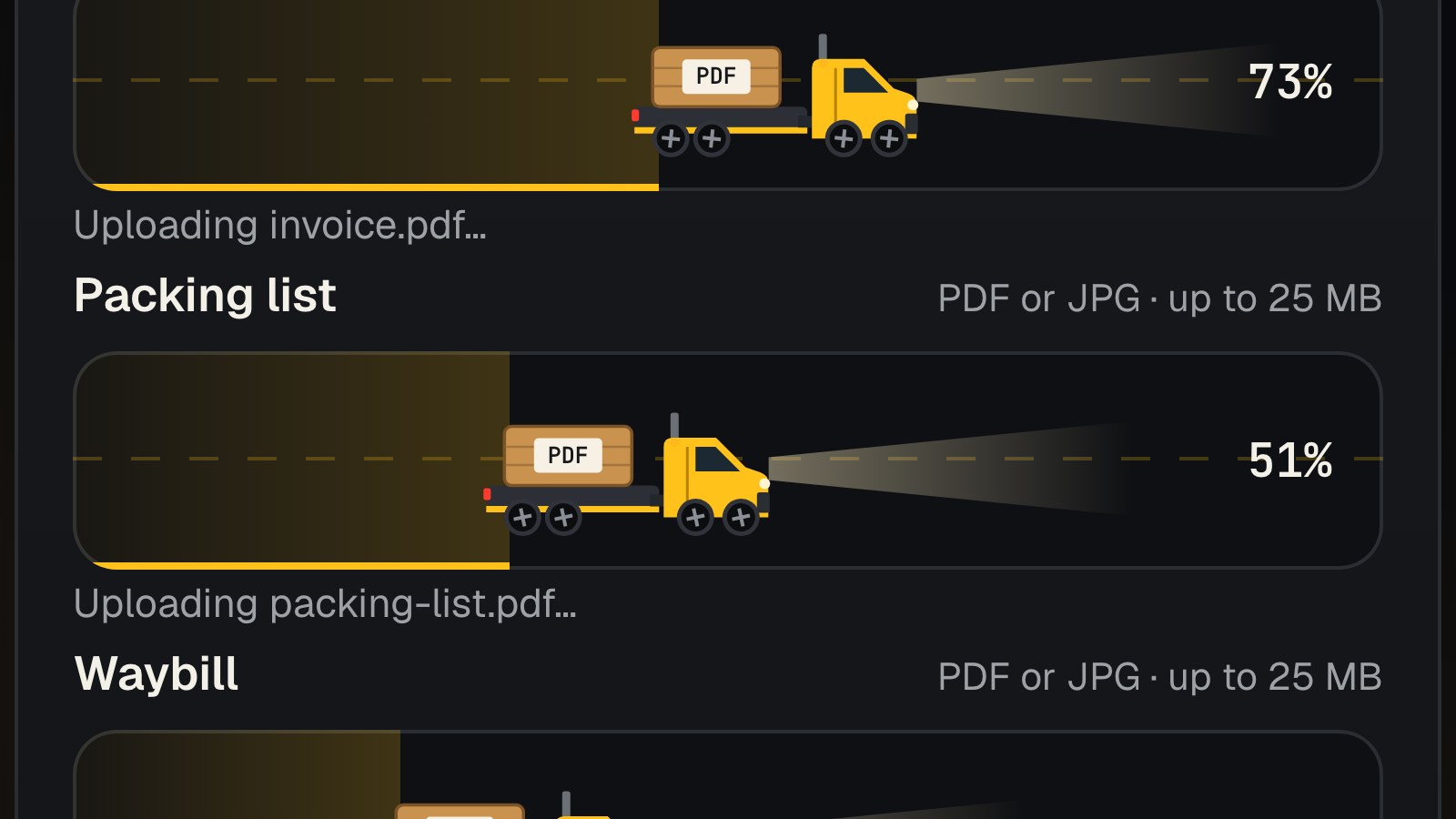
Build a file upload, step by step
Six live stages: a real file input, checking a file, drag and drop, a transport you can point at your server, and the riders that carry each file across.
 Teardown
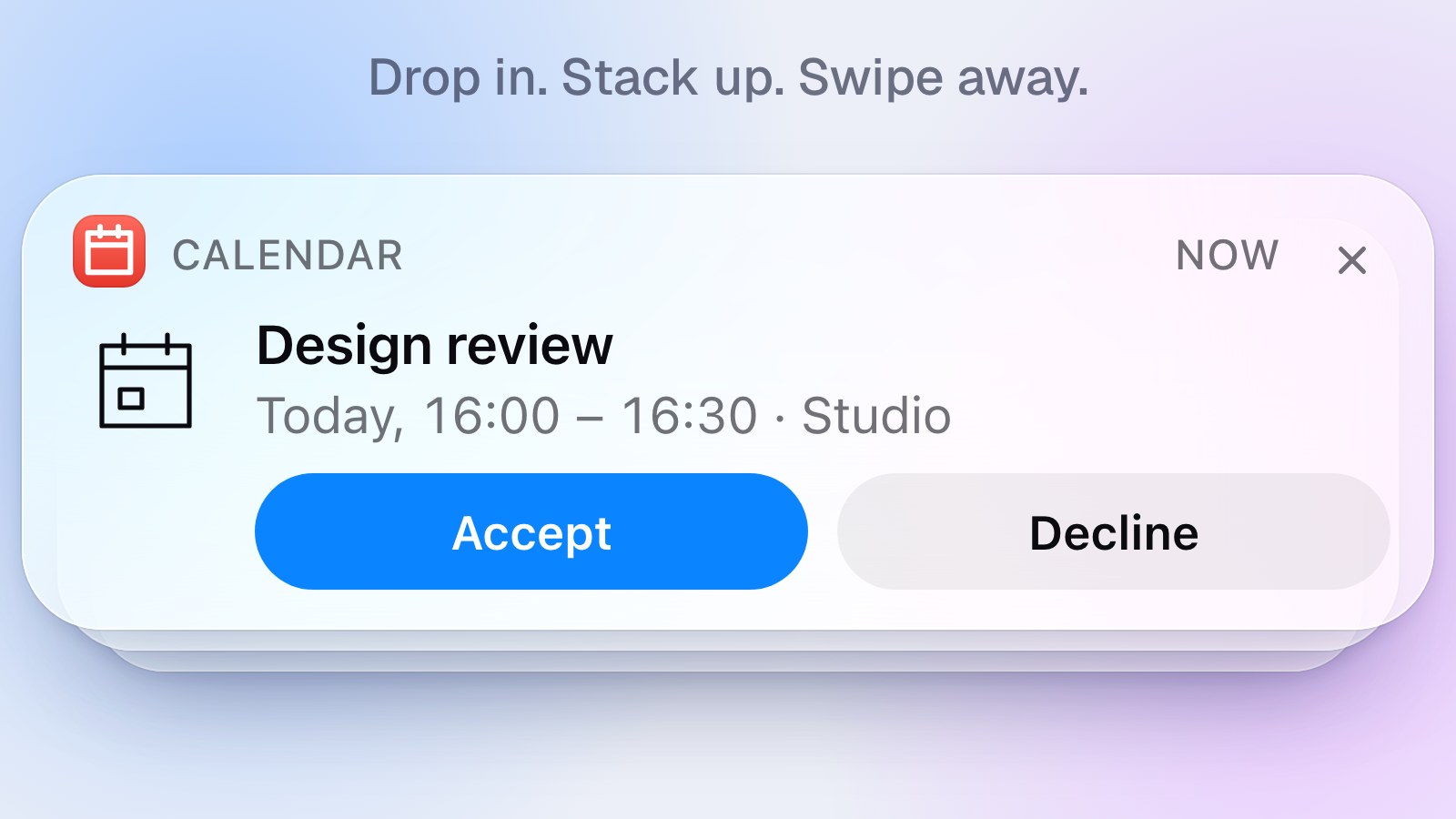
Build a toast stack, step by step
Six live stages: a deck that stacks and fans out, rich toasts made from one template, springs per look, kinds that turn into each other, swipe and timers.
 Teardown
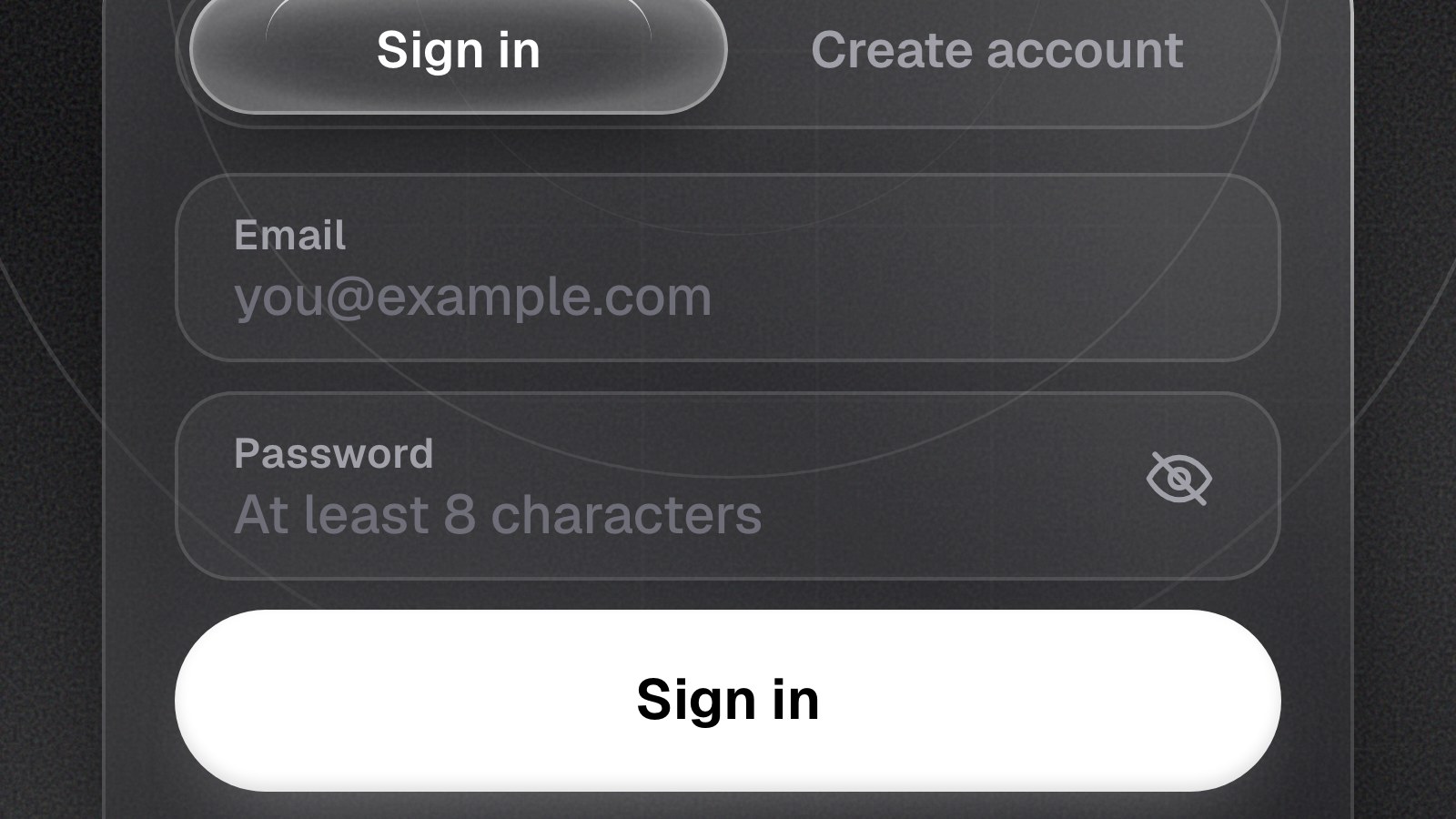
Build a sign-in card with a character, step by step
Six live stages: one piece of glass for every step, fields that check themselves, springs, the code step, and a character that watches you type.
 Teardown
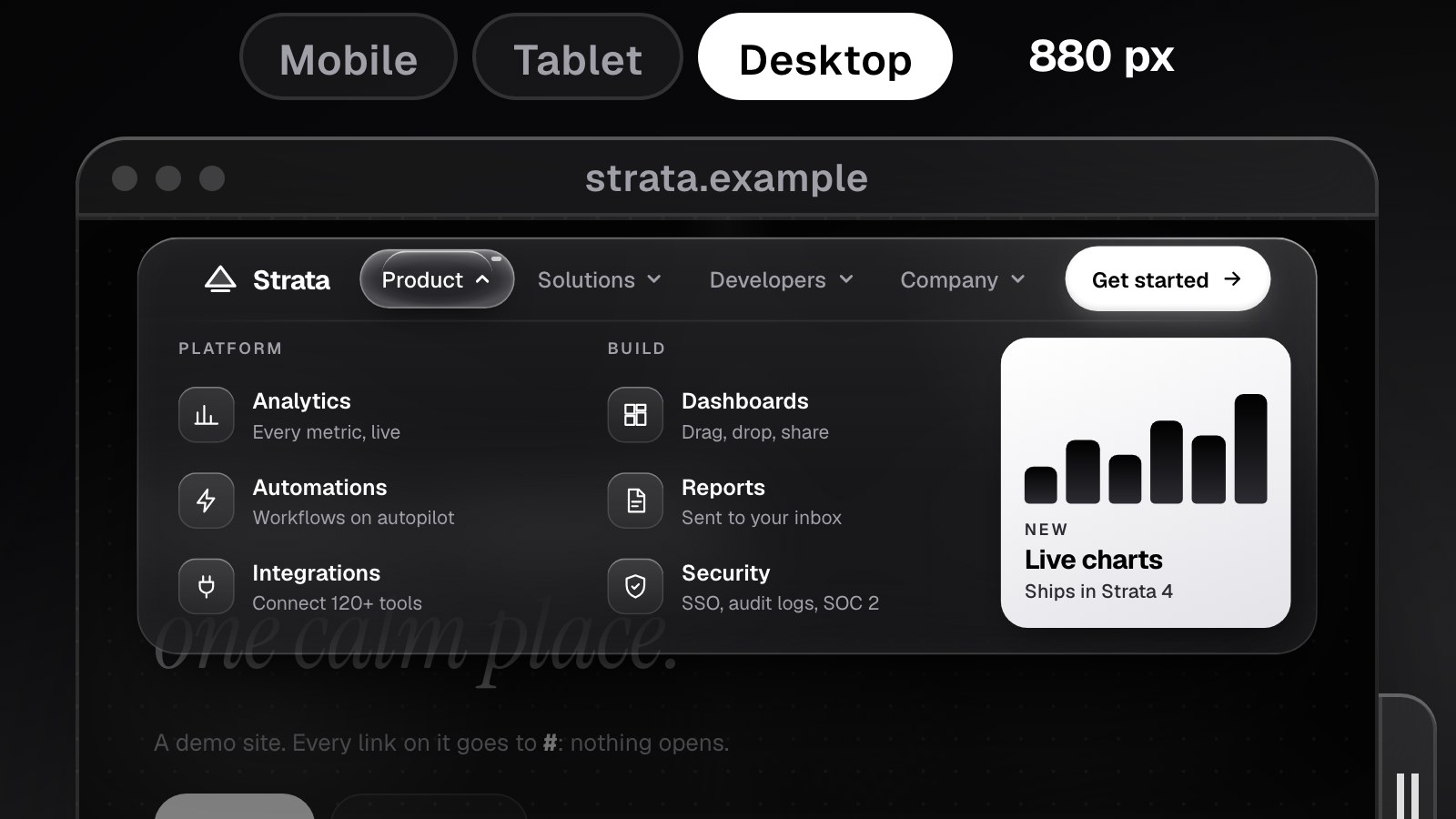
Build a morphing mega-nav, step by step
Six live stages: a capsule that pours into one panel, container queries that pick the layout, springs, the lens, a mobile sheet and three looks.
 Teardown
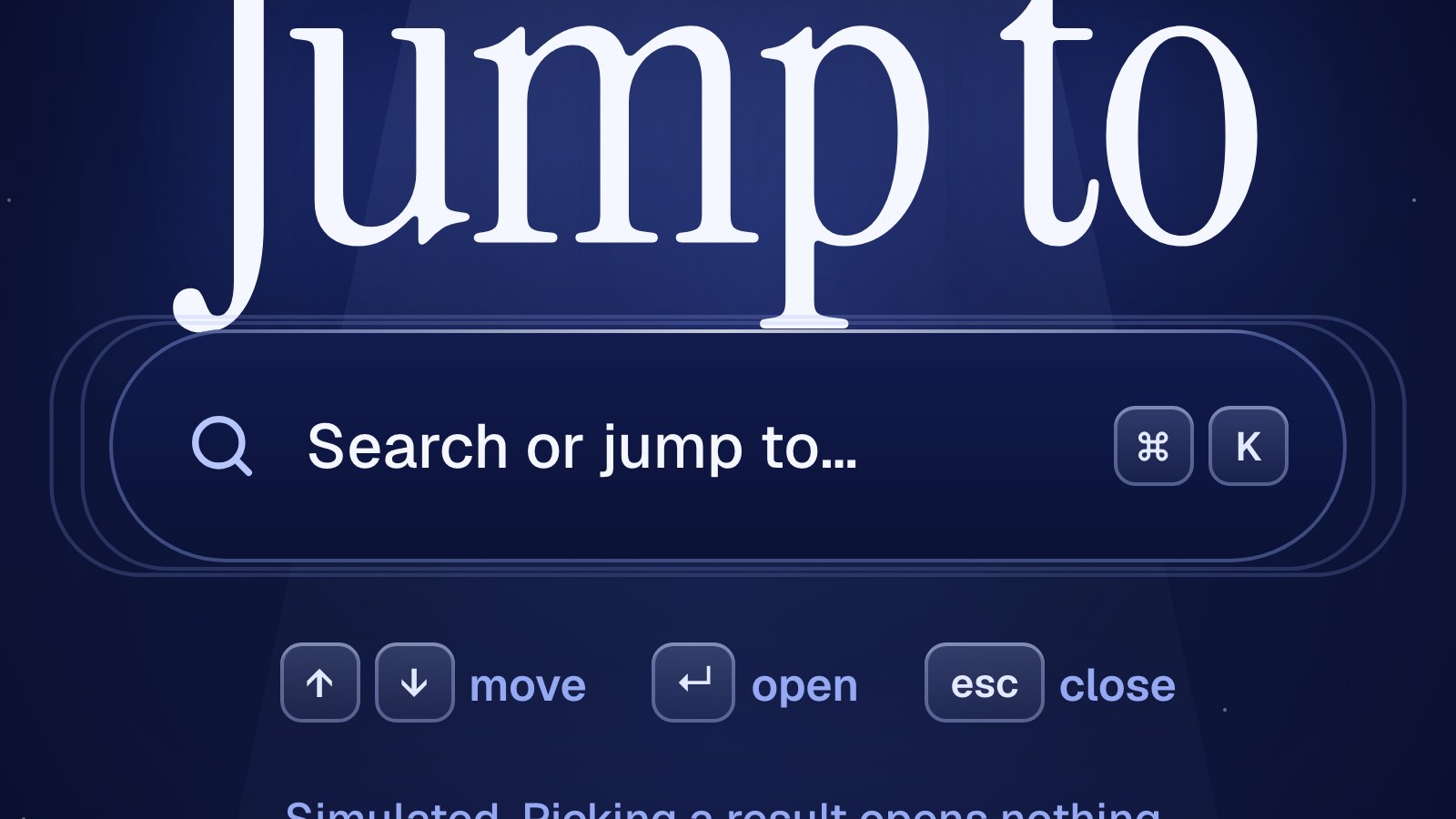
Build a ⌘K command palette, step by step
A real command palette in six live stages: the pill that morphs into the panel, fuzzy search, the sliding selection, a11y and three looks.
 Teardown
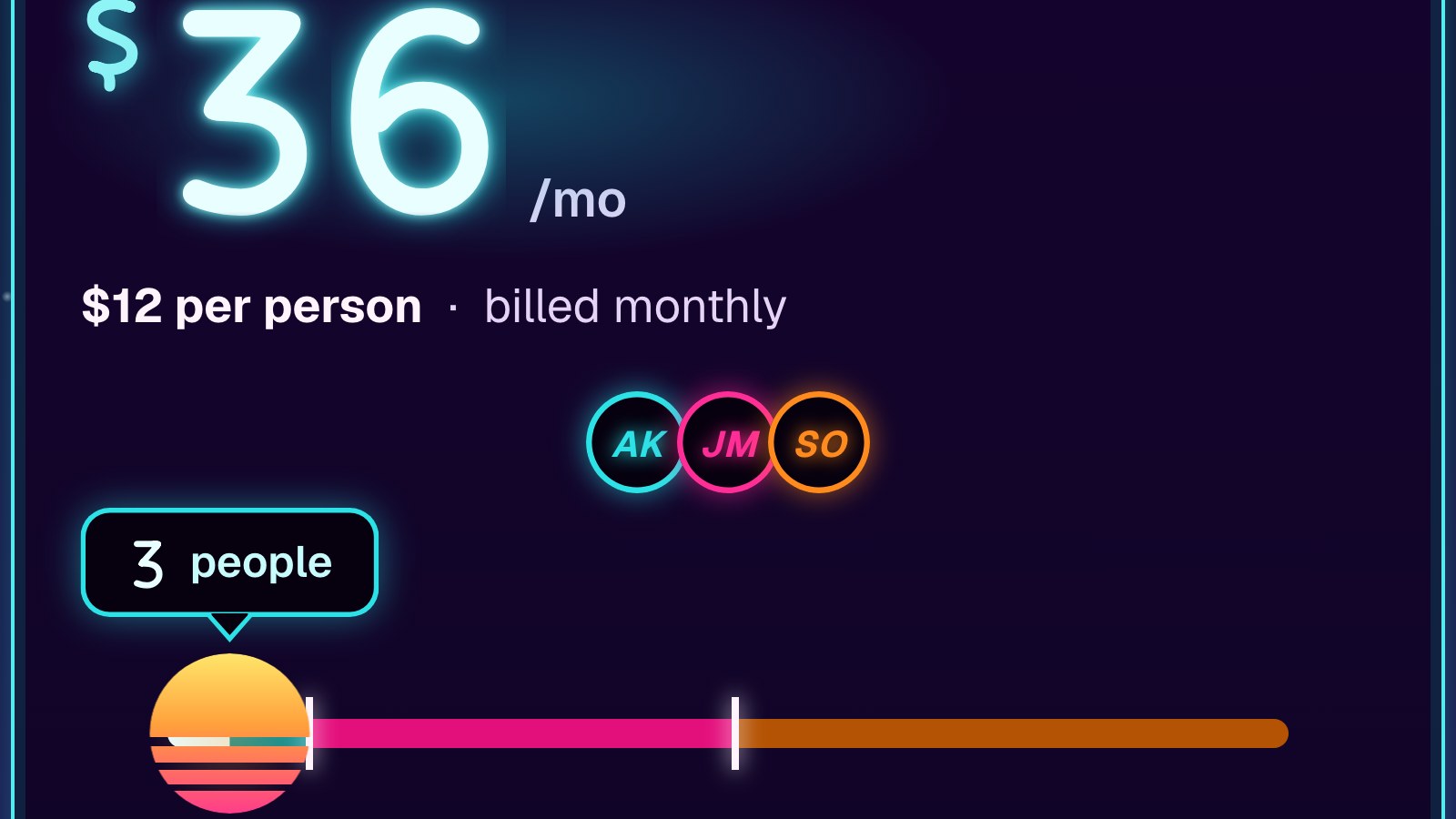
Build a team-size pricing slider, step by step
A real pricing calculator in six live stages: a role=slider, odometer digits, tiers that unlock features, avatars, the yearly stamp, and three looks.
 Teardown
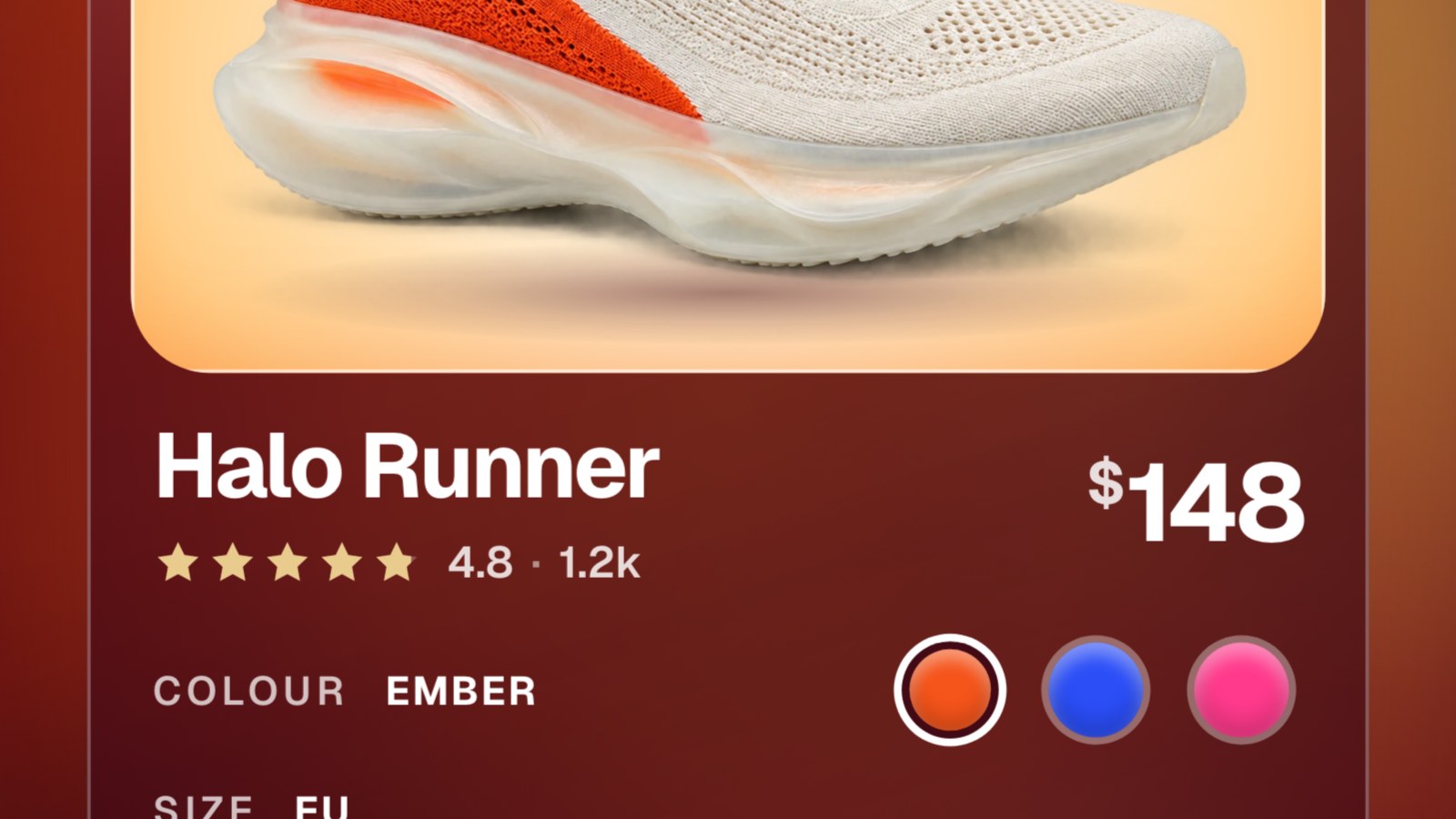
Build a product card that pops into the cart, step by step
A real product card in six live stages: tokens, the choosers, springs, the pop-out into the bag, the flip to a receipt, and three looks from one token system.
 Teardown
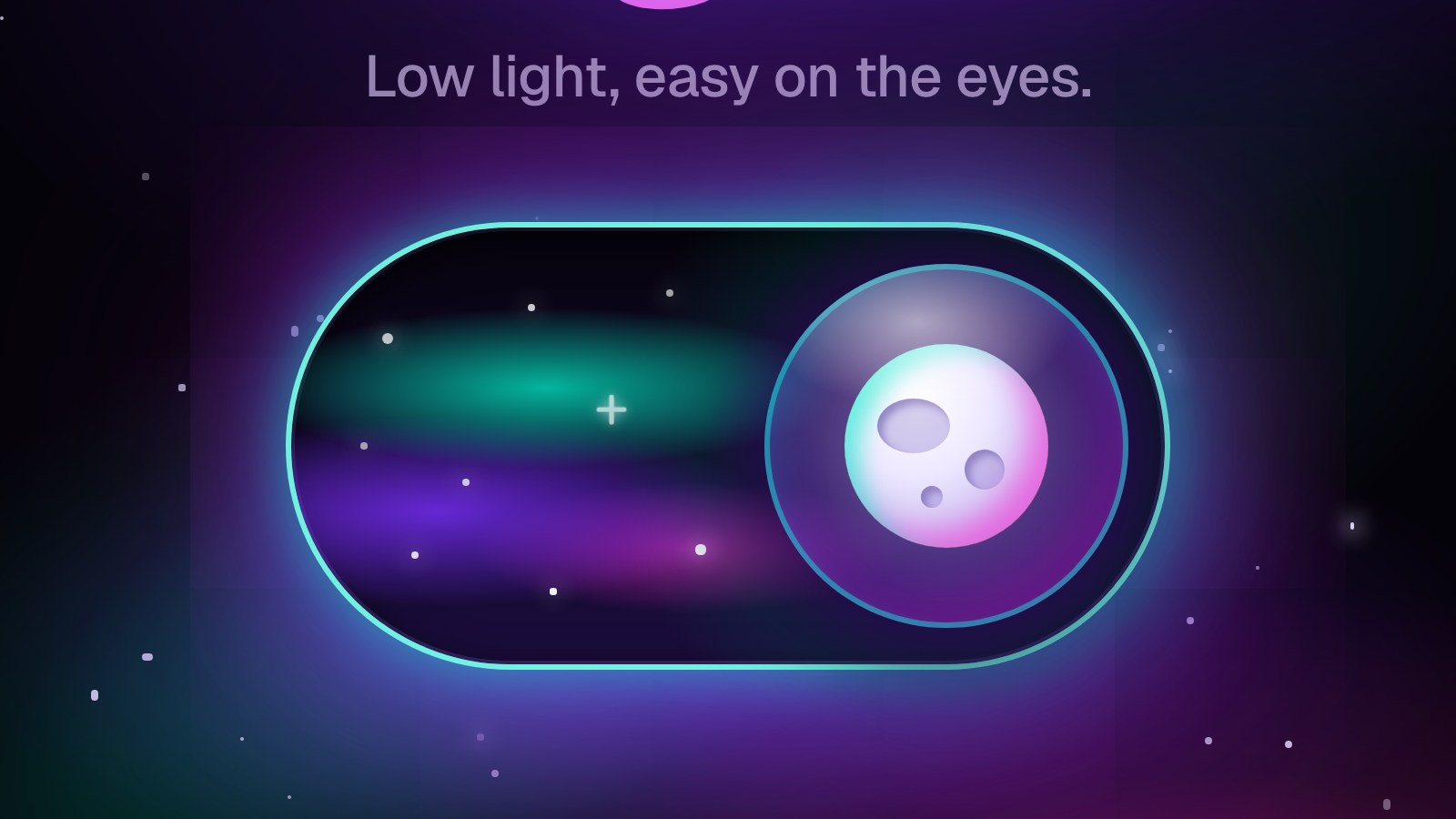
Build an eclipse theme toggle, step by step
A real light/dark switch in six live stages: tokens, the switch, a spring, the eclipse, the shockwave reveal, and three looks from one code.
 Teardown
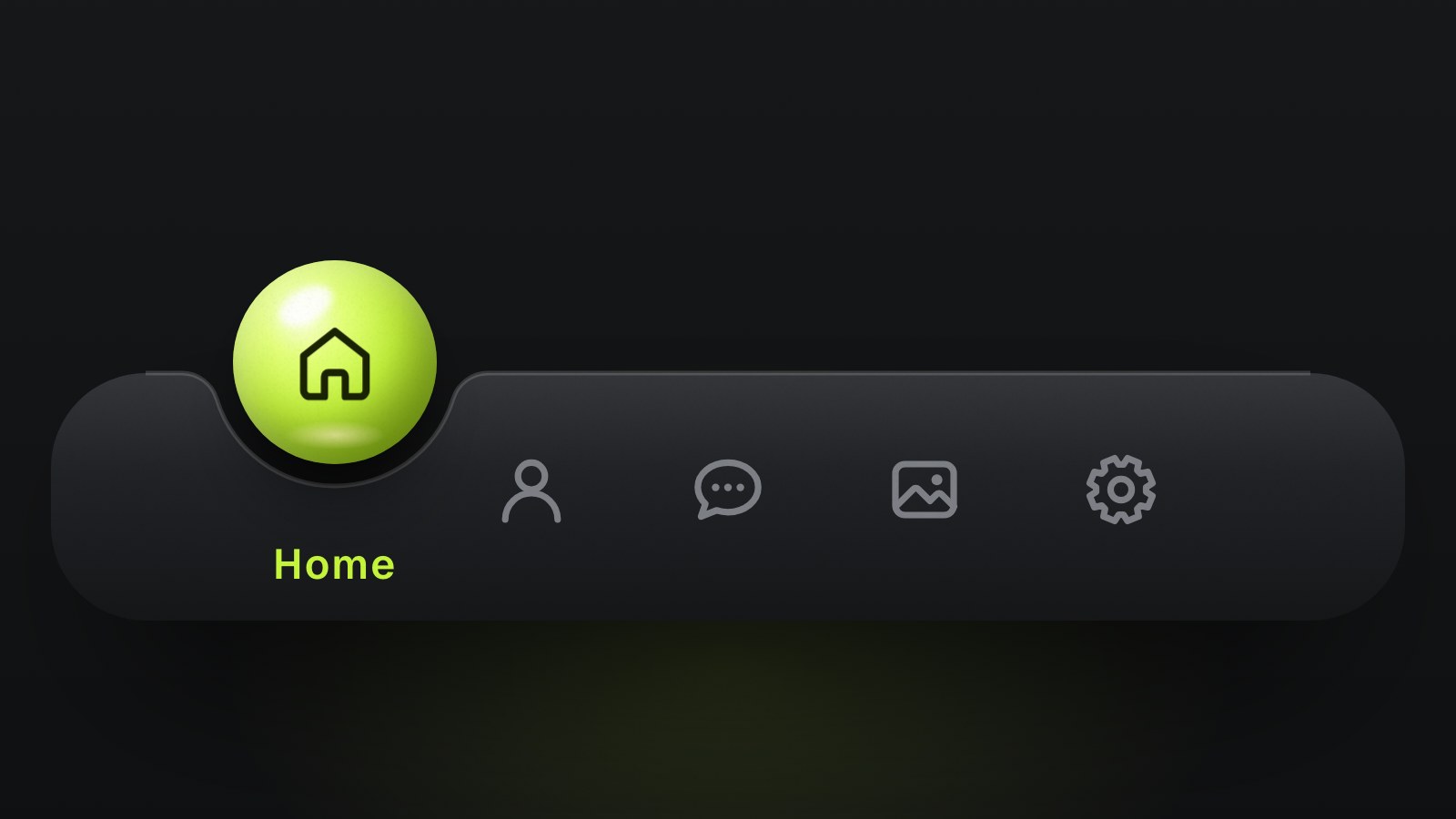
Build orb tabs, step by step
Six live stages: a ball in a true circular notch, the finger, springs, the lift and the dip, and the icon that rises into the ball.
 Teardown
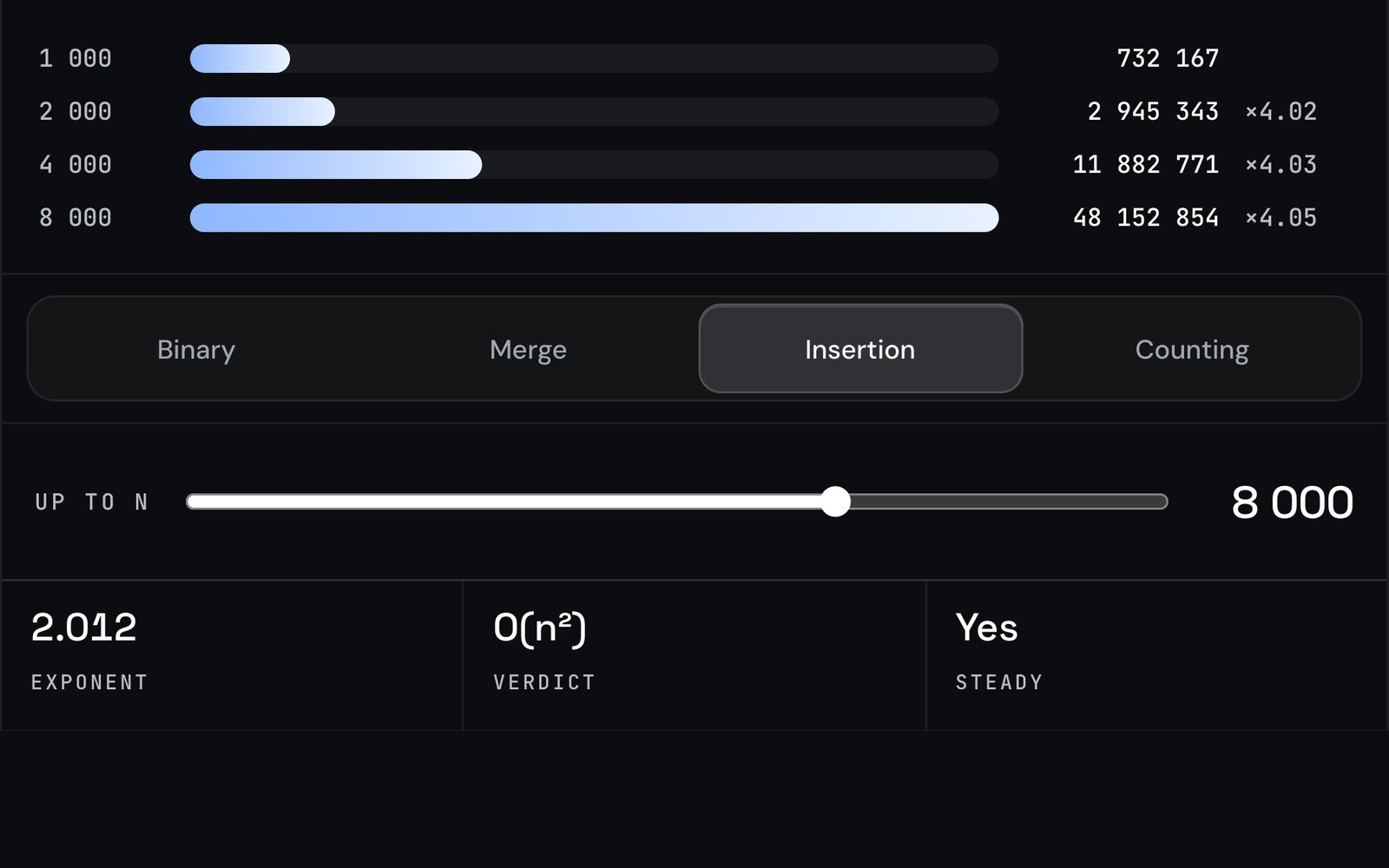
Measuring a complexity
The lessons never assert a Big-O: they count every read and write at four sizes, fit the exponent and name the growth.
 Starter
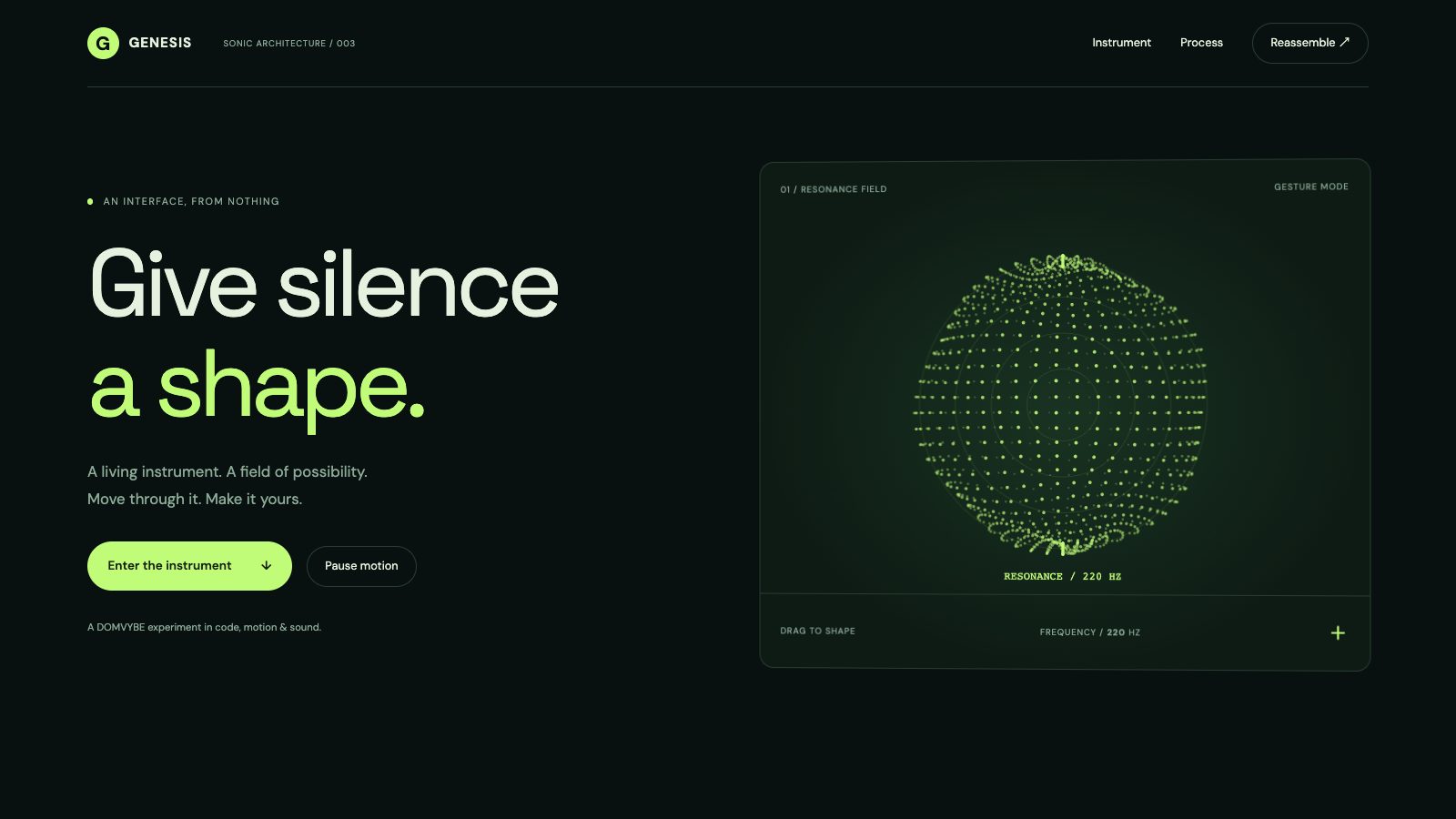
Interactive hero starter
A standalone particle-driven opening to adapt to your own page.
 Starter
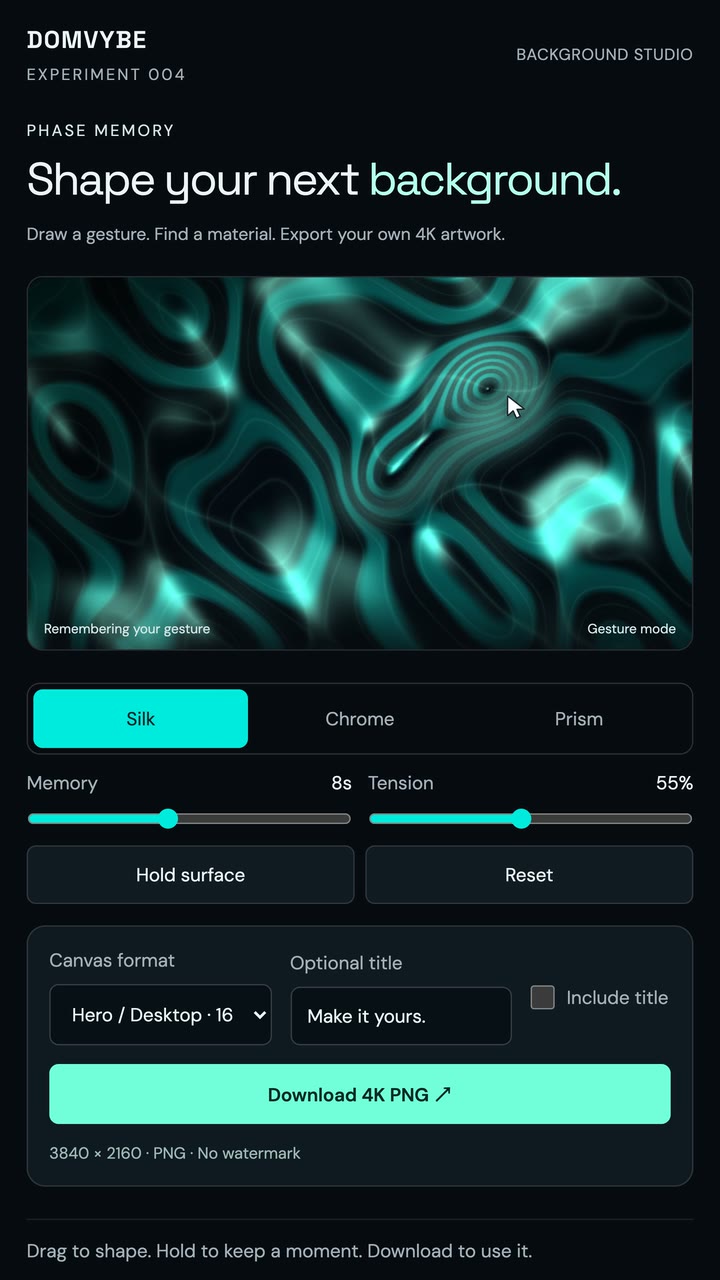
Background studio starter
A complete background-making surface with image export.
Starter
Liquid tabs
A glass lens follows your finger across the bar, stretches with speed and magnifies the icons under it.
Starter
Drop tabs
The chosen tab is a drop of the bar itself: it sinks, runs along as a wave and rises out of the bar at the next tab.
Starter
Cart toss
A product card where the shoe pops out of the card into the bag and the card flips to a mini-cart receipt with a working stepper.
Starter
Price roll
A team-size pricing calculator: drag 1–100 people and the price rolls like an odometer, the plan changes and the features unlock.
Starter
Cards carousel
A carousel of picture cards that never runs out. Every card is a window whose picture moves inside it; drag and throw it, step with the arrows, the dots, the keys or the wheel, and tap the front card to open its detail. Three looks move in three ways: films line a curved wide screen, framed products swing on threads, cars drift in on tyre smoke and flash their headlights.
Starter
Magnetic checkout
A clay grocery shop where you throw the product instead of pressing Add to cart. Grab it off its card and fling it: the magnet over the basket catches it, the basket dips, the roller counter rolls and the coin flips. Free delivery unlocks at $25, and Checkout prints a clay receipt. A panel on a desk, a dock on a phone, the keyboard and reduced motion.
Starter
Vinyl deck
A record label's site with a turntable you play by hand. Start the platter, lower the needle with the cue lever, hold or scratch the record, slide the pitch or glide from 33 to 45: the sound is read off the spinning record in an AudioWorklet, so the picture and the pitch bend together. VU meters from the real levels, a label printed with the playing track, releases that cue the needle.
Starter
Liquid glass calculator
A scientific calculator made of one slab of clear glass standing in a photo studio. The keys are lenses, the liquid inside sloshes when you press a key or drag the glass, and a real expression engine (a Pratt parser) does the maths, with a history tape and a scientific layout that grows out of the basic one. Five tones, one WebGL2 pass.
Starter
Stadium seat picker
A ticketing seat picker on a stadium tilted in 3D. Hover a section and it lifts in its price tier's colour; click it and the map flies in to its seats. Pick seats one by one or several together, let Best available choose, narrow the price range, and watch the cart hold them for ten minutes. Checkout prints QR tickets you can tear off. Keyboard, screen reader, a bottom sheet on a phone, reduced motion.
Starter
Slot machine code input
A one-time-code input built as a slot machine. Six chrome reels mirror one real input, so SMS autofill, paste and screen readers just work: each digit spins its reel onto the number, Backspace rolls it back, and the lever submits. A wrong code flashes red and costs an attempt, three misses lock it for 30 seconds, and the right one hits the jackpot and opens the shoe box.
Starter
Espresso machine controls
An espresso machine panel with three real rotary dials for temperature, pressure and grind: drag round them, tap the scale, use the wheel or the arrow keys. Pick a recipe and the dials glide to it; pull the shot and the pressure and flow graph draws live as the cup fills, then a verdict says whether to grind finer or coarser. The temperature dial glows blue, ready or too hot.
Starter
Liquid glass sidebar
A glass sidebar whose active item is a drop of liquid. The drop stretches as it runs between items, settles with a wobble, folds into a bead on the icon rail and ripples when a notification arrives. Nested groups, ⌘K palette, G-key jumps, drag or Alt + arrows to reorder, a workspace menu and a bottom sheet on the phone. Two looks on one core: Graphite with a mercury drop, Daylight with a water drop over a photo.
Starter
Bookshelf sidebar
A sidebar that is a bookshelf. Pick a book and it flies off the shelf and opens in 3D with its chapters, lessons and progress; search dims the shelf and lights the matches, drag the books (or Alt + arrows) into a new order, add a course of your own and undo a removal. A rail, an evening lamp and a phone strip with a chapters sheet. Two looks on one engine: a walnut Library of cloth books and a light-oak Nordic shelf of notebooks.
Starter
FAQ chat
An FAQ section that answers like a chat. Ask in your own words, even with typos: the matcher finds the answer in the browser, typing dots show, and the reply streams in, cloned from the same content as the accordion. Topic tabs, a search with highlights, follow-up chips, a live battery slider in an answer, thumbs and a hand-off form to a person. Without JavaScript it is a plain accordion with every answer. Two skins, Lifestyle and Bold, for the made-up e-bike brand VOLTA.
Starter
3D delivery tracker
A live pizza delivery tracker: a frosted glass order panel over a toy 3D town. One number drives everything: the pizza bakes in the oven, flies into its box, the lid folds and a sticker lands, then a scooter rides the route to your door and confetti pops. The camera glides between the shots, the town turns from day to golden hour to night, and a demo bar scrubs the whole order. Message, rate and order-again dialogs, a bottom sheet on the phone, reduced motion and a flat SVG fallback.
Starter
Fortune-cookie consent
A cookie banner as a plate of four real-time 3D fortune cookies. Crack one and its paper slides out with what that category does and a real switch; flip it and the page changes at once: an oven counter and heat badges, a menu reordered to your taste, a Sunday offer. Accept all cracks the rest in a cascade, Reject is just as easy, and the panel tucks into a cookie in the corner to reopen. Gated scripts stay inert until allowed, switching a category off deletes its data, and without JavaScript the page stays readable.
Starter
Key-fob pricing
A pricing section where the plans are three car keys on a leather pad. Press a key and the car behind them flashes its headlights twice, the key dips and the plan card rises beside it with its features; ENGINE START/STOP switches every price to yearly with a 15 % saving as the numbers roll. A real radio group (click, arrows, Home, End), a compare table that follows the key, the choice saved for the next visit, a bottom sheet on the phone and reduced motion.
Starter
Liquid glass music player
A music player made of one thick slab of glass over the album's wallpaper. The slab refracts and magnifies what is behind it, with a bright rim, side walls you see into and the title engraved on its edge; the progress bar is a liquid thread you click, drag or swipe, and every track cross-fades the wallpaper, the cover and the tint of the glass. Play / pause, previous / next, shuffle and repeat, a ••• menu with the queue, a palette view where the empty slab splits the album's colour bands, a minimized glass card, a full-height sheet and mini bar on the phone, keys for everything, Media Session and reduced motion.
Starter
File upload
A form's file inputs that carry the upload themselves. Choose or drop a file and the field turns into its company's little world: a truck drives it across, a crane lays it block by block, a coin rolls it into the lock. Type and size checks, error and retry, remove, and a submit button that waits for every field.
Starter
Toast stack
Toast notifications that stack like a deck and fan out when you point at them. Swipe one away, undo with a countdown, watch an upload or a deploy fill and turn into done, retry an error. Rich content: app, face, amount, code, two actions.
Starter
Character auth
A sign-in card with a character that watches you type: it follows the letters, covers its eyes for the password, frowns at a wrong email and jumps for joy. Fields check themselves as you go; one piece of glass reshapes for sign in, create account, the code and done.
Starter
Morph nav
A floating capsule nav that pours down into one panel and reshapes between the sections, with a lens that follows the pointer. It re-flows from desktop to tablet to phone by its container.
Starter
Command palette
A ⌘K command palette: the search button morphs into the panel, fuzzy search lights the matched letters and the selection glides between rows.
Starter
Eclipse toggle
A light/dark switch: the moon eclipses the sun and the whole page turns to night in a shockwave that spreads from the switch.
Starter
Orb tabs
A glossy ball rolls into a soft notch in the bar; the notch follows it like a wave and the icon rises into the ball.
Tool
Phase Memory
Create a background with a gesture. Choose your material and format, add an optional title, and download a 4K PNG.
 Tool
Tool
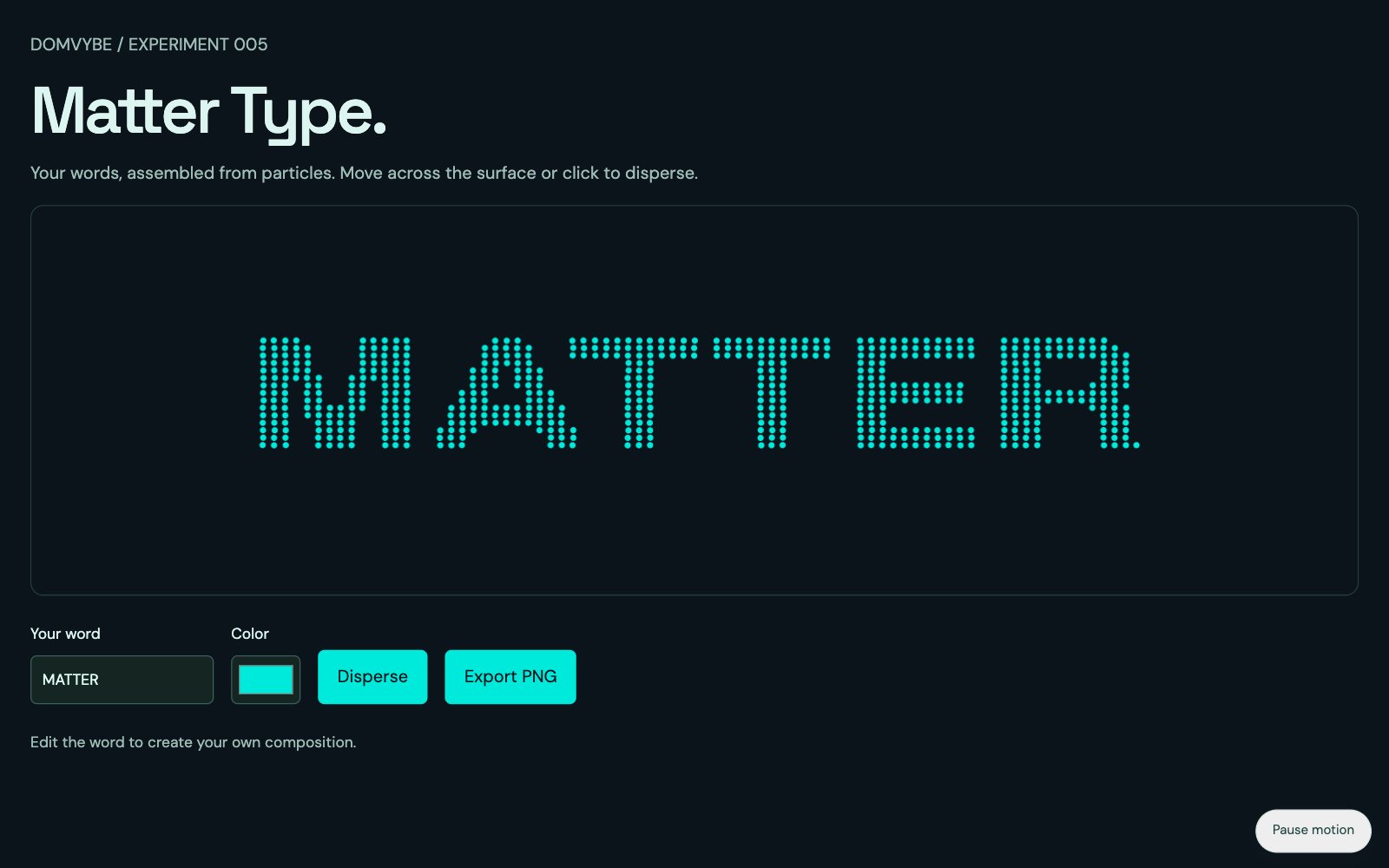
Matter Type
Turn a short word into a field of particles. Edit the text, choose a color, scatter the composition and export the exact arrangement.
PromptPlan a focused feature
Turn a broad idea into a bounded implementation brief.
PromptBuild a complete interaction
Request an interface change with clear behavior and scope.
PromptDebug a specific mismatch
Explain what happened and ask for a focused repair.
How to read this
Four kinds of thing.
One shelf.
Teardowns
How it works
One mechanism from one published piece: a live toy written for the page, the maths behind it, what it cost when measured, and what broke on the way. The site's own source is not published — the ideas are.
Starters · Tools
What you can use
Starters are small, self-contained projects to download and adapt. Tools run in the page and export what you make. Neither needs an account.
Prompts
How it started
The prompts used to plan, build and debug these pieces, with the context they need and the check that tells you the result is right.